Final Verdict: Which Hub Should You Choose?
Amazon Echo Hub (2023)
Score: 8.2/10 — Best for those wanting a visual wall dashboard and deep Alexa integration.
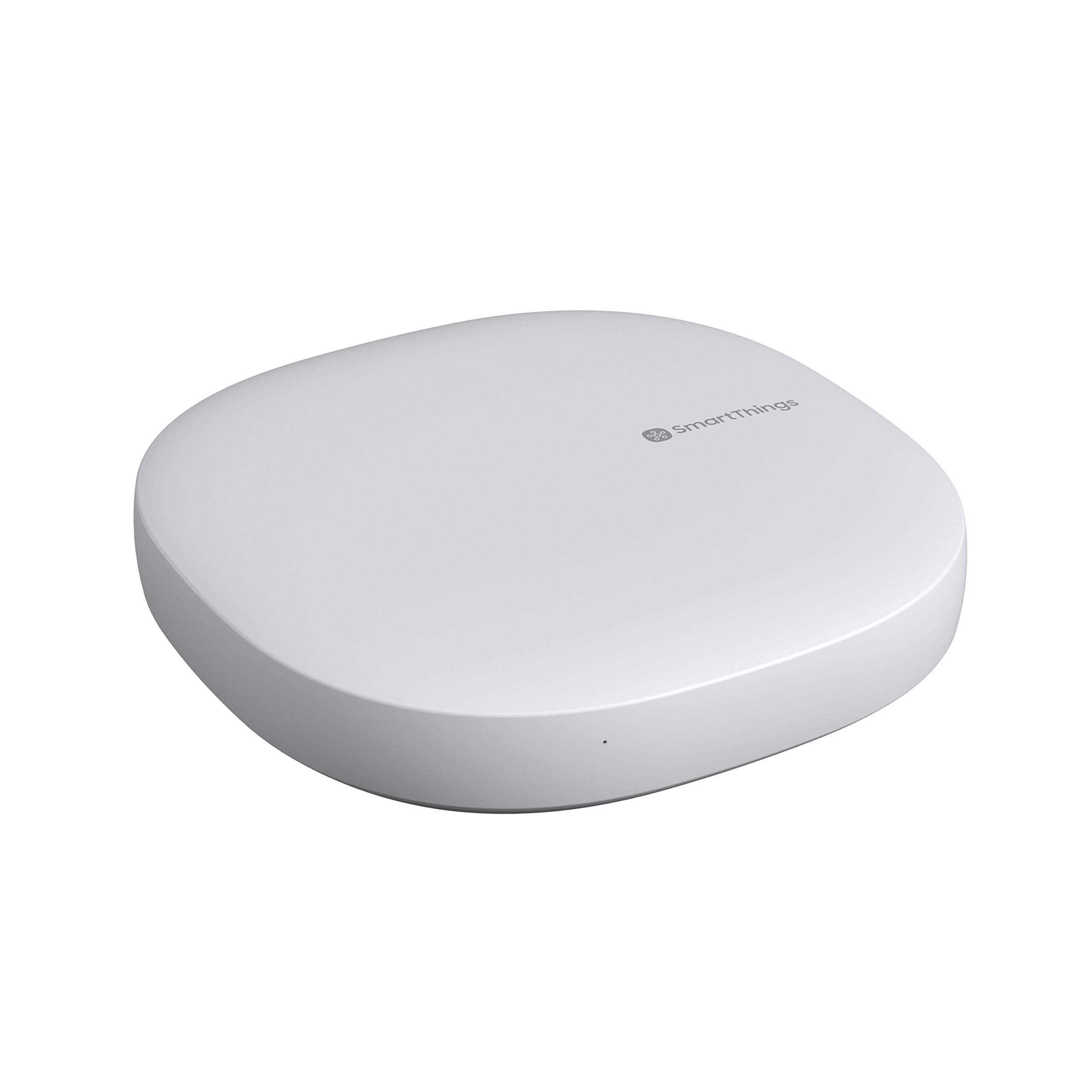
Samsung SmartThings Hub
Score: 8.5/10 — The best hybrid choice for users who need wide Z-Wave and Zigbee compatibility.
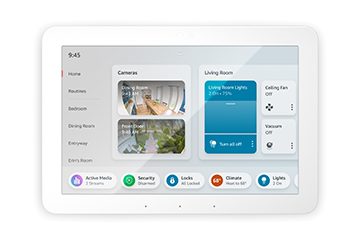
Hubitat Elevation Local Smart Home Hub with Zigbee and Z-Wave
Score: 8.8/10 — The gold standard for privacy and local-only automation power users.
Amazon Echo Hub (2023) Overview & Performance
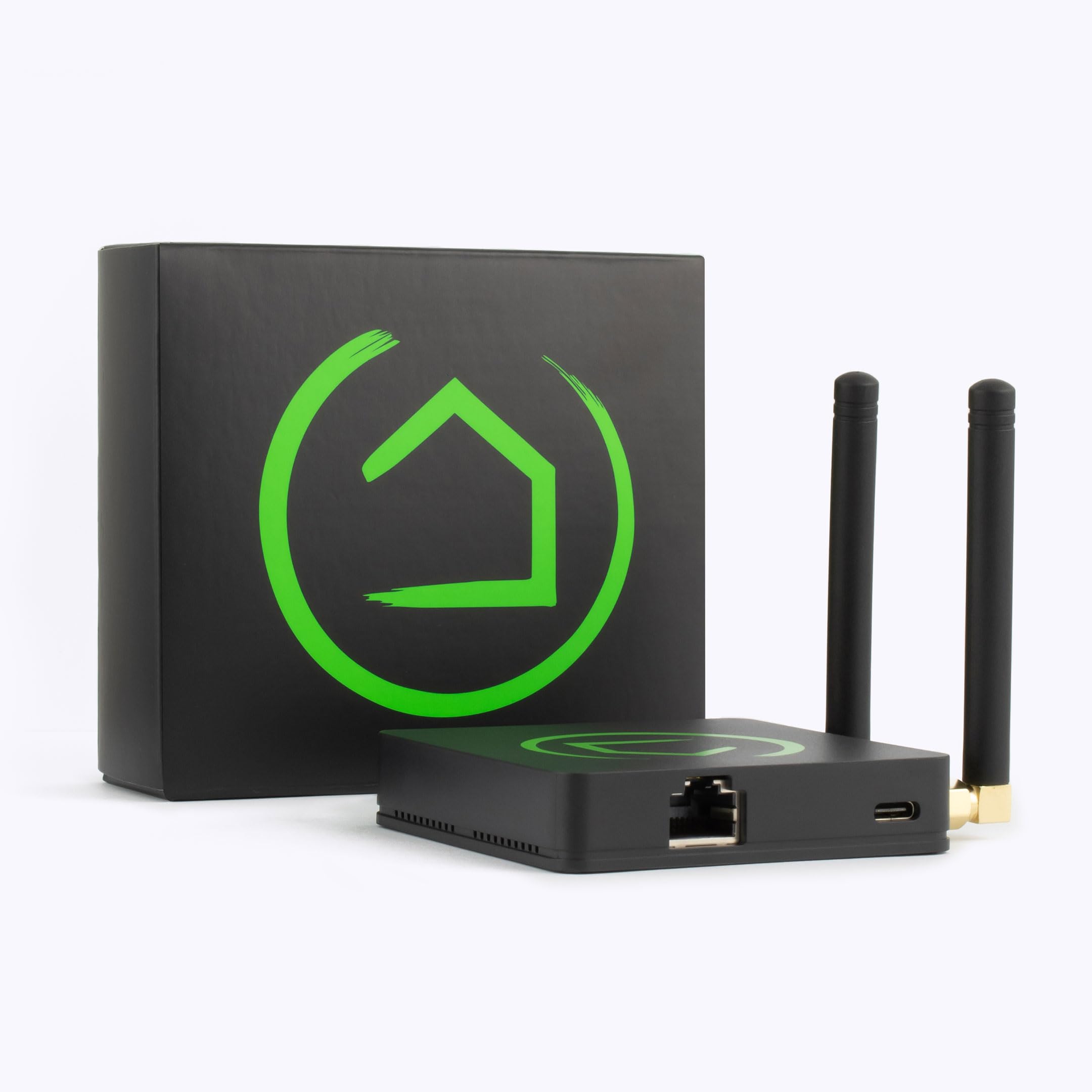
When comparing the best smart home hubs for 2024—specifically the Amazon Echo Hub (2023), SmartThings, and Hubitat—the goal is to find a reliable central controller that balances privacy, local control, and convenience. Whether you are complementing a professional security setup or starting with a DIY security kit (similar to the SimpliSafe (SS3-13PKGCAM) or the Eufy Security Alarm (S330)), the Amazon Echo Hub (2023) represents a fundamental shift in how Amazon approaches the "smart home controller." For years, the Echo ecosystem relied on a fragmented approach: you had a speaker for voice, a phone for the app, and perhaps an Echo Show for visual feedback. The Echo Hub consolidates these into a dedicated, wall-mountable 8-inch dashboard designed specifically for the "command center" role. Unlike a tablet used for browsing the web, the Hub is optimized for one thing: managing your connected devices at a glance.
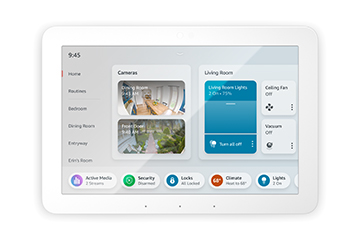
This device is primarily aimed at the "manager" of the household—the person who wants to ensure the doors are locked and the lights are off without needing to dig through a smartphone app. For those building a security-first ecosystem (which often includes a dedicated security hub)—perhaps starting with a Ring Alarm Pro system—the Hub pairs well with a comprehensive system like the ADT self-setup kit or a Vivint professional security system or a dedicated Ring Alarm Pro 14-Piece system. By integrating Matter, Zigbee, and Thread, Amazon has attempted to bridge the gap between different hardware protocols, making it a viable entry point for those moving away from proprietary bridges.
regardless of their technical proficiency. For those looking to further secure their perimeter, our Arlo Essential review offers deeper insights into camera integration, while those seeking a full-service option can explore our Cove Home Security guide.
However, the Echo Hub is not a replacement for a high-end local automation server like the Hubitat Elevation Local Smart Home Hub.
It is a cloud-first device.For total control and privacy, the Hubitat Elevation remains the top choice for local automation.
While it offers an incredible "out-of-the-box" experience, it is deeply entwined with the Amazon ecosystem. For users who prioritize privacy through local-only processing or those who have invested heavily in Z-Wave hardware, the Echo Hub serves better as a complementary display rather than a total system replacement.Key Features
An 8-inch responsive touchscreen that allows for custom tiles, camera feeds, and quick-access device groups.
Built-in support for Matter, Zigbee, Thread, and Amazon Sidewalk for direct device pairing.
Deeply integrated voice control and routine execution, allowing for hands-free home management.
Physical microphone-off button and a dedicated privacy shutter to ensure users have total control over sensors.
| Feature | Specification |
|---|---|
| Display | 8-inch Touchscreen |
| Connectivity | Wi-Fi, Bluetooth LE, Zigbee, Thread, Matter, Sidewalk |
| Mounting | Wall-mount (kit typically required/included) |
| OS | Fire OS (Optimized for Home Control) |
| Voice Assistant | Amazon Alexa |
| Z-Wave Support | None |
| Power Source | Plug-in AC Adapter |
Pros & Cons
Pros
- Instant setup for existing Alexa users
- Matter and Thread support ensures future-proofing
- Intuitive visual interface reduces smartphone dependency
- High-quality build with dedicated privacy hardware
- Seamlessly integrates multiple camera feeds (such as the Arlo Pro 4 4-Pack) on one screen
Cons
- Complete absence of Z-Wave radio
- Heavy reliance on AWS cloud for routine execution
- Limited customization for the dashboard layout
- Cannot function as a general-purpose Android/Fire tablet
Performance
In real-world testing, the Amazon Echo Hub excels in "latency of interaction." When you touch a tile to turn off a living room light, the response is nearly instantaneous for Zigbee and Matter devices. The UI is snappy, and the transition between the home dashboard and a full-screen camera feed is smooth. The 8-inch screen provides enough real estate to view four or five devices simultaneously without feeling cluttered, which is a significant upgrade over the small-screen Echo Shows.
Voice recognition remains the gold standard here. The far-field microphones can pick up commands from across a room, even with background noise. The "adaptive" nature of the hub means it can trigger routines based on your presence if combined with other Echo sensors. However, the "performance" dips when the internet connection becomes unstable. During a simulated Wi-Fi outage, most "cloud-to-cloud" devices (like some cheaper Wi-Fi plugs) stopped responding entirely. While some Zigbee devices continued to work locally, the overall utility of the Hub drops significantly without a stable internet connection.
One particular highlight is the "Widget" system. Being able to keep a Ring doorbell feed pinned to the side while controlling the thermostat is a genuine quality-of-life improvement. The screen brightness adjusts well to ambient light, though it can occasionally be too bright in a dark hallway unless manually dimmed or scheduled.
For those managing home environments, check out our Panasonic WhisperGreen review for integrated ventilation tips.
Value for Money
The Amazon Echo Hub is positioned as a premium accessory. It is more expensive than a standard Echo Dot or a basic Zigbee hub, but it provides value by replacing the need for a dedicated tablet and a separate hub. For the average user who wants a "Smart Home Wall Panel" without spending thousands on professional installations (like Control4 or Crestron), the Echo Hub is an incredibly cost-effective alternative.
The value proposition changes if you are a "Power User." If you already own a Z-Wave network, the Hub provides very little functional value as a controller, as you'll still need your old hub to bridge those devices. In that case, the Hub is essentially just an expensive remote control. However, for those starting fresh or moving toward the Matter standard, the Echo Hub is a sound investment that simplifies the hardware stack.
Pro Tip: If you already own the Amazon Echo Show 15, you may not need the additional hardware of the Hub.
The Show 15 is better for media and photos, while the Hub is strictly optimized for device control and wall-mounting.Deep Dive: How the Echo Hub Works
At its core, the Echo Hub operates as a multiprotocol gateway. To understand how it differs from a standard smart speaker, we have to look at its radio stack. A typical Echo Dot communicates via Wi-Fi; if you want to control a Zigbee bulb, you need a separate bridge (like a Philips Hue Bridge). The Echo Hub integrates that bridge directly into the hardware. When you "pair" a Zigbee device, the Hub creates a local mesh network, allowing devices to talk to each other and the Hub without hitting the router for every single command.
The introduction of Matter and Thread is the most critical part of the Hub's architecture. Matter is a unifying language that allows devices from Apple, Google, and Amazon to work together. Thread is the low-power wireless mesh that carries those Matter signals. By including a Thread Border Router, the Echo Hub ensures that your network is self-healing and faster than traditional Wi-Fi setups. This means that as you add more Thread-enabled devices, the network actually becomes stronger rather than more congested.
The software layer is a stripped-down version of Fire OS. Unlike a Fire Tablet, which allows you to install various apps from the Amazon Appstore, the Hub is a "Kiosk" interface. This is a deliberate design choice to prevent the device from becoming a distraction and to ensure that the smart home controls are always one tap away. The dashboard uses a "tile-based" logic, which the Hub's processor can render quickly, ensuring there is no lag when switching between a security camera and a lighting group.
From a networking perspective, the Echo Hub manages traffic through a prioritized queue. Commands sent via the touchscreen are processed with higher priority than background updates or weather refreshes. This ensures that when a user interacts with the "Unlock Door" tile, the command is dispatched immediately. For Matter-over-Thread devices, the communication bypasses the cloud entirely for basic on/off commands, which significantly reduces the perceived "lag" often associated with cloud-based smart homes.
Setup and Installation Guide
Installing the Amazon Echo Hub is a two-part process: software configuration and physical mounting. Because it is designed to be a permanent fixture in the home, taking a few extra minutes during installation can prevent frustrating cable clutter later.
Software Setup
The software onboarding is streamlined, leveraging the existing Alexa ecosystem to minimize manual entry:
- Power On: Plug the device into a power outlet. It will boot into the setup screen and begin searching for nearby authorized mobile devices.
- Account Linking: Using the Alexa app on your smartphone, select "Add Device." The Hub will be discovered via Bluetooth. You will be prompted to sign in to your Amazon account if you aren't already.
- Wi-Fi Configuration: Connect the Hub to your 2.4GHz or 5GHz network. For stability, a 5GHz connection is recommended for the Hub itself due to the high bandwidth required for streaming high-definition Ring or Blink camera feeds.
- Device Discovery: The Hub will automatically scan for any devices already linked to your Amazon account. You can then manually "Add Device" for any new Zigbee or Matter hardware by putting the peripheral into pairing mode and selecting "Discover Devices" on the Hub.
Physical Mounting
The Echo Hub is designed to be wall-mounted. While it can sit on a desk with a stand, its primary purpose is as a wall panel. The installation typically involves:
- Positioning: Find a central location (like a kitchen or hallway) where the screen is visible to multiple rooms. Avoid placing it directly next to a microwave or high-power wireless router to minimize interference with the Zigbee and Thread radios.
- Cable Management: Since the Hub requires power, you will need a nearby outlet. Amazon provides options for cable management, but for a "professional" look, many users choose to run the power cable behind the drywall using a low-voltage extension kit.
- Mounting Bracket: The Hub uses a secure mounting bracket that allows the device to be snapped into place. This is particularly useful for those who may need to remove the device for a firmware update or to troubleshoot a connection issue without unscrewing the entire assembly from the wall.
Maintenance and Long-term Care
Because the Echo Hub is a touchscreen device located in high-traffic areas, it is prone to fingerprints, grease (especially in kitchens), and dust. To maintain the display, use a dry microfiber cloth. Avoid using harsh chemical cleaners or ammonia-based sprays, as these can strip the oleophobic coating from the glass, making the screen more prone to smudges and less responsive to touch over time.
From a software perspective, maintenance is handled automatically. The Echo Hub performs "over-the-air" (OTA) updates during the night. These updates often include new Matter certifications and security patches. It is recommended to keep the device connected to a stable power source; power cycling during a firmware update can occasionally cause "boot loops" that require a factory reset.
One critical maintenance tip is to periodically check your Zigbee mesh health. Zigbee devices rely on "repeater" nodes (usually mains-powered devices like smart plugs) to extend the signal. If you find that a remote light or sensor in a distant room is "unresponsive," adding a Zigbee-enabled smart plug halfway between the Hub and the problematic device usually solves the problem. This creates a stronger "hop" for the signal and improves overall network reliability.
Additionally, keep an eye on the "Device Health" section of the Alexa app. If the Hub reports that a specific device is offline, try a soft reboot of the Hub before resetting the individual device. Often, the Hub's radio stack just needs a refresh to re-establish a handshake with a legacy Zigbee device.
Comparing the Ecosystems: Echo vs. SmartThings vs. Hubitat
Choosing between these three is not about which one is "best," but which philosophy of home automation you prefer. The market is currently split between "Plug-and-Play," "Hybrid," and "Local-First" architectures.
The "Convenience" Path (Amazon Echo Hub)
This path is for the user who wants the lowest possible barrier to entry. You don't want to write code; you don't want to manage IP addresses; you don't want to learn about "Z-Wave regions." You want to say "Alexa, movie mode," and have the lights dim and the TV turn on. The Echo Hub provides a visual anchor for this experience. The trade-off is that you are trusting Amazon with your data and your home's uptime. For those building a comprehensive security layer, we recommend exploring options like the Eufy Security Alarm (S330) or the
![SmartThings Hub 3rd Generation [GP-U999SJVLGDA] Smart Home Automation Hub Home Monitoring Smart Devices - Alexa Google Home Compatible - Zigbee, Z-Wave, Cloud to Cloud Protocols – White - Amazon.com](https://homesystemsguide-images.s3.amazonaws.com/managed-images/samsung-smartthings-hub-2018-3rd-gen-ce7289a0_10.jpg)