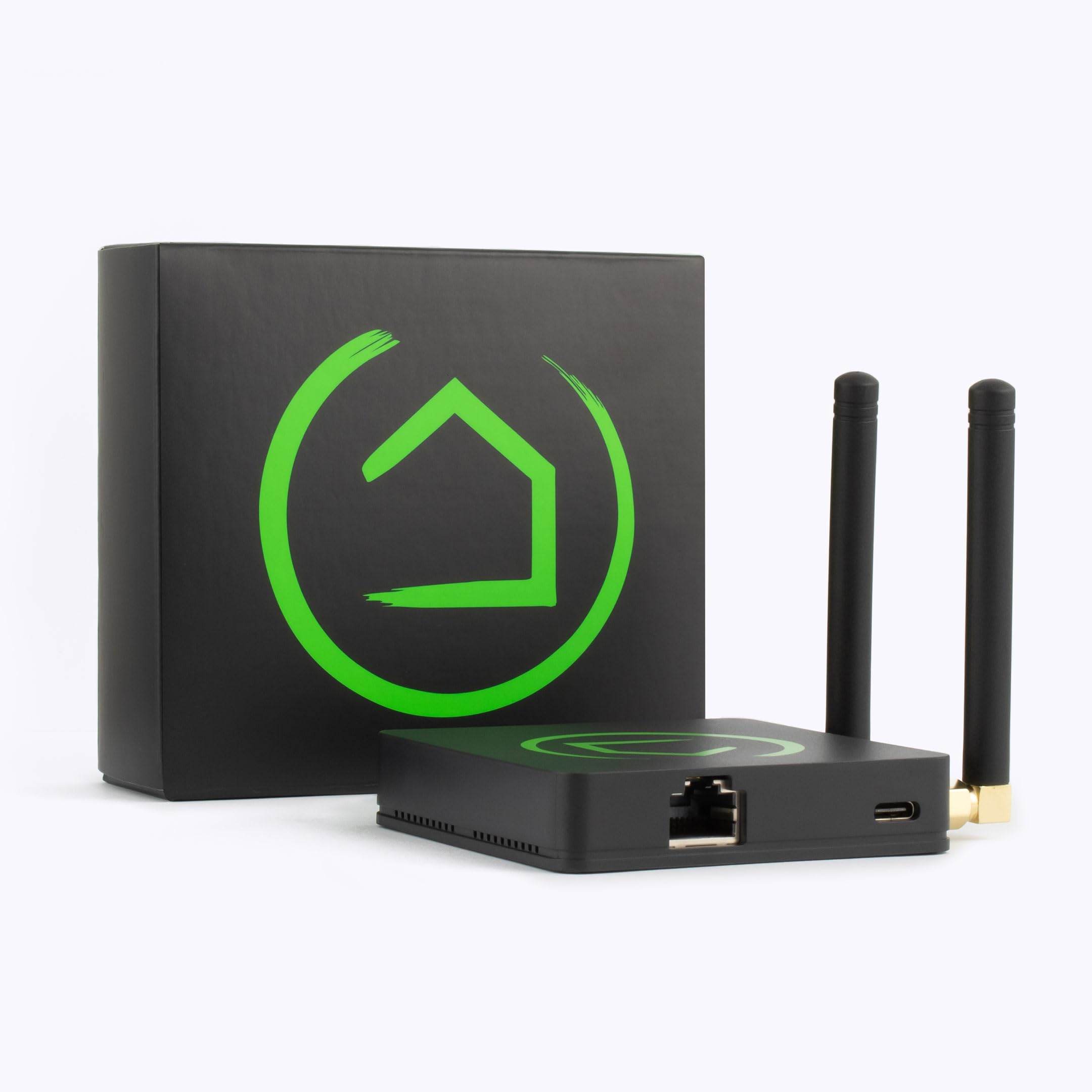
Hubitat Elevation Local Smart Home Hub with Zigbee and Z-Wave
Score: 9.2/10 — The gold standard for privacy-conscious enthusiasts who demand instant, cloud-independent automation across multiple protocols.
Overview
For homeowners seeking the best local control smart home hub to maximize privacy and eliminate lag, the Hubitat Elevation Local Smart Home Hub is the definitive professional-grade alternative to cloud-dependent systems, providing an unwavering foundation for a responsive, private smart home.
By moving the 'brain' of your home off the cloud, it provides unmatched stability, often working alongside professional-grade security systems like the Eufy Security Alarm (S330) (see our guide on choosing the right security system) for a fully integrated, secure smart home.While the industry has largely trended toward "Cloud-First" designs—where your motion sensor sends a signal to a server in another state before telling your light to turn on—the C-8 operates on a "Local-First" philosophy. By processing every rule, trigger, and device communication on the physical hardware inside your home, the C-8 eliminates the latency and reliability risks associated with internet outages or manufacturer server downtime.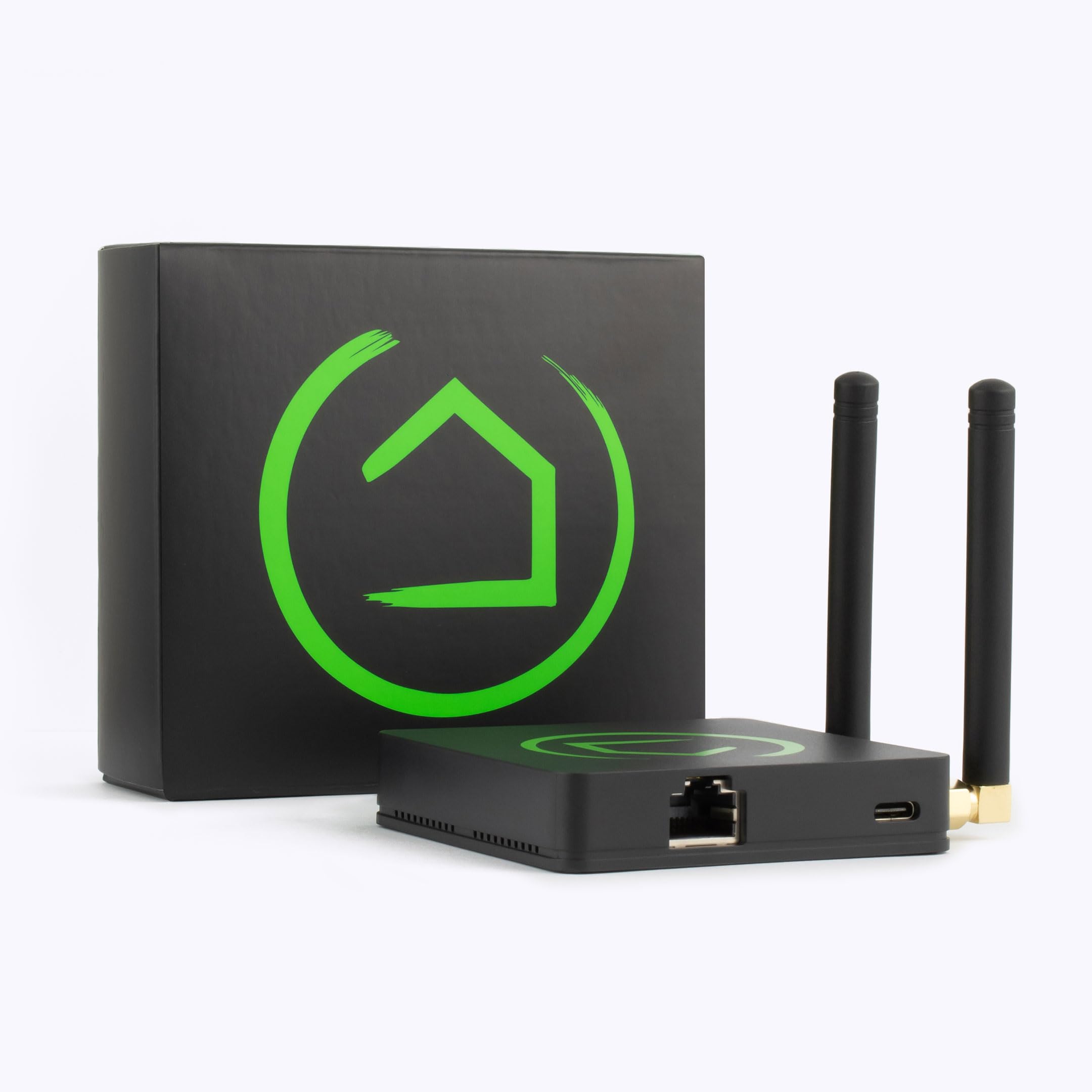
This hub is designed specifically for the "prosumer" and the privacy-conscious. It doesn't try to hide its complexity behind a simplified, restrictive app; instead, it provides a robust web-based interface that allows users to map out intricate logic flows. Whether you are managing a few dozen Zigbee bulbs or a complex network of Z-Wave sensors and Matter-enabled devices, the C-8 acts as a centralized brain that doesn't report your every move to a corporate cloud server.
For the average user, the Hubitat Elevation Local Smart Home Hub might seem intimidating. There is no "one-click" setup that magically discovers every device in your home. However, for those who have felt the frustration of a "smart" home that becomes "dumb" the moment the Wi-Fi flickers, the C-8 offers an insurance policy of stability and speed that cloud hubs simply cannot match.
Key Features
All automation logic and device communication occur on-device, ensuring near-zero latency and total functionality during internet outages.
The latest Z-Wave hardware provides extended range, better battery life for sensors, and enhanced security for smart locks.
Broad compatibility with a massive array of affordable sensors, bulbs, and plugs from diverse manufacturers.
Future-proofed via software updates to support the Matter standard, bridging the gap between different ecosystem brands.
An incredibly powerful visual logic builder that allows for complex conditional automations without writing raw code.
Consolidates Zigbee, Z-Wave, LAN, and Matter devices into a single interface, reducing "app fatigue."
| Feature | Specification |
|---|---|
| Model | C-8 |
| Primary Radios | Z-Wave 800, Zigbee 3.0 |
| Connectivity | Ethernet, Wi-Fi, Bluetooth LE |
| Processing | 100% Local (On-Device) |
| Standard Support | Matter (via update), Zigbee, Z-Wave |
| Interface | Web-based Dashboard / Local IP |
| Backup | Local and Cloud Backup options |
| Integration | Alexa, Google Home, Home Assistant |
Pros & Cons
Pros
- Instantaneous response times due to local execution
- Complete privacy; data doesn't leave the home for core functions
- Industry-leading Z-Wave 800 and Zigbee 3.0 range
- Deeply customizable automation logic via Rule Machine
- Massive community-driven driver library for obscure devices
- Works reliably even when the internet is completely down
Cons
- Steep learning curve for new smart home users
- User interface is utilitarian and lacks modern aesthetic polish
- No dedicated "consumer-grade" native mobile app
- Requires manual configuration for optimal device performance
- Less intuitive than "plug-and-play" cloud alternatives
Performance Analysis
In real-world testing, the Hubitat Elevation Local Smart Home Hub excels in the one area that matters most: reliability. In a typical cloud-based setup, a motion sensor trigger involves a sequence: Sensor → Hub → Cloud → Hub → Light. With the C-8, the path is simply Sensor → Hub → Light. This reduction in steps manifests as a perceived "instant" reaction. When walking into a room, the lights activate before you've even fully entered, whereas cloud hubs often have a noticeable 1-2 second lag.
The hardware upgrades in the C-8 are not merely incremental. The Z-Wave 800-series radio significantly improves the "mesh" capabilities. In larger homes, Z-Wave devices act as repeaters, and the C-8 handles this routing more efficiently than its predecessors. We noticed fewer "dead zones" in the far corners of the property, and battery-operated sensors reported their status more consistently without needing to be "woken up" manually.
For those seeking total network reliability, the Hubitat Elevation Local Smart Home Hub acts as an unwavering rock for your smart home ecosystem.
While we intentionally disconnected the WAN port to simulate an internet outage, all internal automations—such as the "Night Mode" that locks the doors and dims the lights—continued to function perfectly. Only the voice integration via Alexa ceased to work, as the voice processing itself happens in the cloud, but the hub's internal logic remained untouched.Deep Dive: How it Works & Architecture
To understand why the Hubitat Elevation Local Smart Home Hub is different, one must understand the concept of a "Local Controller." Most smart homes are effectively "remote controls" for servers located thousands of miles away. Hubitat flips this. The hub contains a full operating system and a database that stores every device's state and every rule's logic. This means the "intelligence" of your home resides in your living room, not in a data center in Virginia or Oregon.
The Radio Layer: Understanding the Mesh
The C-8 uses a dual-radio approach to ensure maximum flexibility. Zigbee is used primarily for low-power, high-density devices like bulbs and basic sensors. Zigbee operates on a 2.4GHz frequency, which is fast but can be prone to interference from Wi-Fi routers. This is why the C-8 allows you to carefully select your Zigbee channel to avoid overlap with your home's wireless network.
Z-Wave, conversely, operates on a much lower frequency (around 900MHz in the US). This allows signals to penetrate walls and floors much more effectively than Zigbee or Wi-Fi. The 800-series chip in the C-8 is a leap forward, providing a massive increase in the theoretical range of a single hop. Because both protocols create "mesh" networks—where every mains-powered device acts as a repeater—the C-8 doesn't just communicate with a bulb; it communicates through a web of devices to reach the furthest corner of your garage.
The Logic Layer: The Rule Machine
This is the crown jewel of the system. Rule Machine allows users to build "If/Then" statements with an unprecedented level of granularity. Unlike the basic "If sensor detects motion, turn on light" routines found in Alexa or Google Home, Hubitat allows for nested conditions and global variables. You can set a variable called "HomeOccupancy" that becomes TRUE if any motion is detected in any room. You can then create a rule that says: "If HomeOccupancy is TRUE AND Time is between 6 PM and 11 PM AND Light Level is below 20%, THEN turn on Living Room Lamp, but ONLY if the Guest Room is empty." This level of conditional logic is essentially visual programming, offering power that usually requires writing Python scripts in Home Assistant.
Step-by-Step Setup and Deployment
Setting up the Hubitat Elevation Local Smart Home Hub is a journey, not a quick task. To avoid the common pitfalls of "ghost nodes" or unstable networks, we recommend this professional deployment strategy:
1. Physical Placement and Infrastructure
Centrality is key. Because Zigbee and Z-Wave rely on a mesh network, placing the hub in a central location reduces the number of hops a signal must take to reach the edge of your home. Avoid placing it inside a metal cabinet, on top of a metal server rack, or directly behind a massive OLED TV (much like the careful placement needed when installing a Mini-Split heat pump for optimal efficiency), as the electromagnetic shielding can severely attenuate the radio signals. (For more on home electrical infrastructure, see our guide on replacing a circuit breaker safely or check out our comparison of Square D and Eaton breakers or learn more about AFCI vs standard circuit breakers). We recommend a dedicated shelf in a central hallway or living area.
While Wi-Fi is supported, we strongly recommend using the Ethernet port. A wired connection eliminates the possibility of the hub losing connectivity due to Wi-Fi interference, signal drops, or DHCP lease issues. Since this is the "brain" of your home, a stable, physical wire is the only way to guarantee 100% uptime for your local dashboards.
2. The Order of Device Pairing
One of the biggest mistakes new users make is pairing battery-powered sensors first. This is a mistake. To build a strong mesh, you must follow the "Inside-Out" method:
- Step A: Mains-Powered Repeaters. Pair all your smart plugs, wall switches, and dimmers first. These devices act as the backbone of your network.
- Step B: Intermediate Devices. Pair devices that are halfway between the hub and the edges of your home.
- Step C: End-Devices. Pair your battery-powered motion sensors, leak detectors, and door contacts last. Because the repeaters are already in place, the sensors will automatically find the most efficient path back to the C-8.
3. Interface Navigation and Dashboarding
Access the hub via its local IP address in a web browser. From here, you will navigate to the "Devices" tab to manage hardware and the "Apps" tab to launch the Rule Machine. Because the administrative interface is utilitarian (it looks like a website from 2005), it is highly recommended to create a "Dashboard" immediately. This allows you to create a simplified, mobile-friendly page with oversized buttons and status indicators, effectively creating your own "custom app" for daily use.
Maintenance and Long-Term Management
Owning the Hubitat Elevation C-8 requires more "gardening" than a cloud hub. To keep the system running optimally, users should adhere to the following maintenance schedule:
The Backup Strategy
Because the hub is local, if the hardware fails or a catastrophic software glitch occurs, your configuration is lost. Hubitat provides a cloud backup service, but advanced users should also perform manual local backups. We recommend a monthly backup of your entire configuration to a secure local drive. This ensures that if you ever need to replace the hardware, you can restore your entire logic network in minutes rather than spending weeks recreating rules.
Z-Wave Network Repair
Over time, as you move devices or add new ones, the Z-Wave routing table can become inefficient. The hub might try to send a signal through a device that you've since unplugged. Running a "Z-Wave Repair" forces the hub to rediscover the most efficient paths between all devices. This should be done after adding several new devices or moving large pieces of furniture that might obstruct signals.
Driver Management and Community Updates
Hubitat's community is incredibly active. Often, a "Community Driver" for a specific brand of switch will offer more features than the built-in generic driver. For example, a community driver for a specific brand of blind controller might unlock a "percentage open" feature that the generic driver misses. Periodically checking the Hubitat forums for updated drivers can unlock hidden capabilities in your hardware.
Buyer's Guide: Is the C-8 Right for You?
The Hubitat Elevation C-8 is a specialized tool. It is not a general-purpose consumer gadget. To decide if it fits your lifestyle, consider these three profiles:
Profile A: The Privacy Advocate
If the idea of a cloud company knowing exactly when you unlock your front door, how often you use your bathroom, or when you go to bed bothers you, the C-8 is your only real choice. Because the logic is processed locally, your data stays inside your four walls. This is a priority for many who also opt for DIY home security solutions (such as the Eufy Security Alarm (S330) or a SimpliSafe security system) to maintain control over their environment—sometimes combining smart hubs with specialized protection like a Wayne ESP25 battery backup sump pump—and