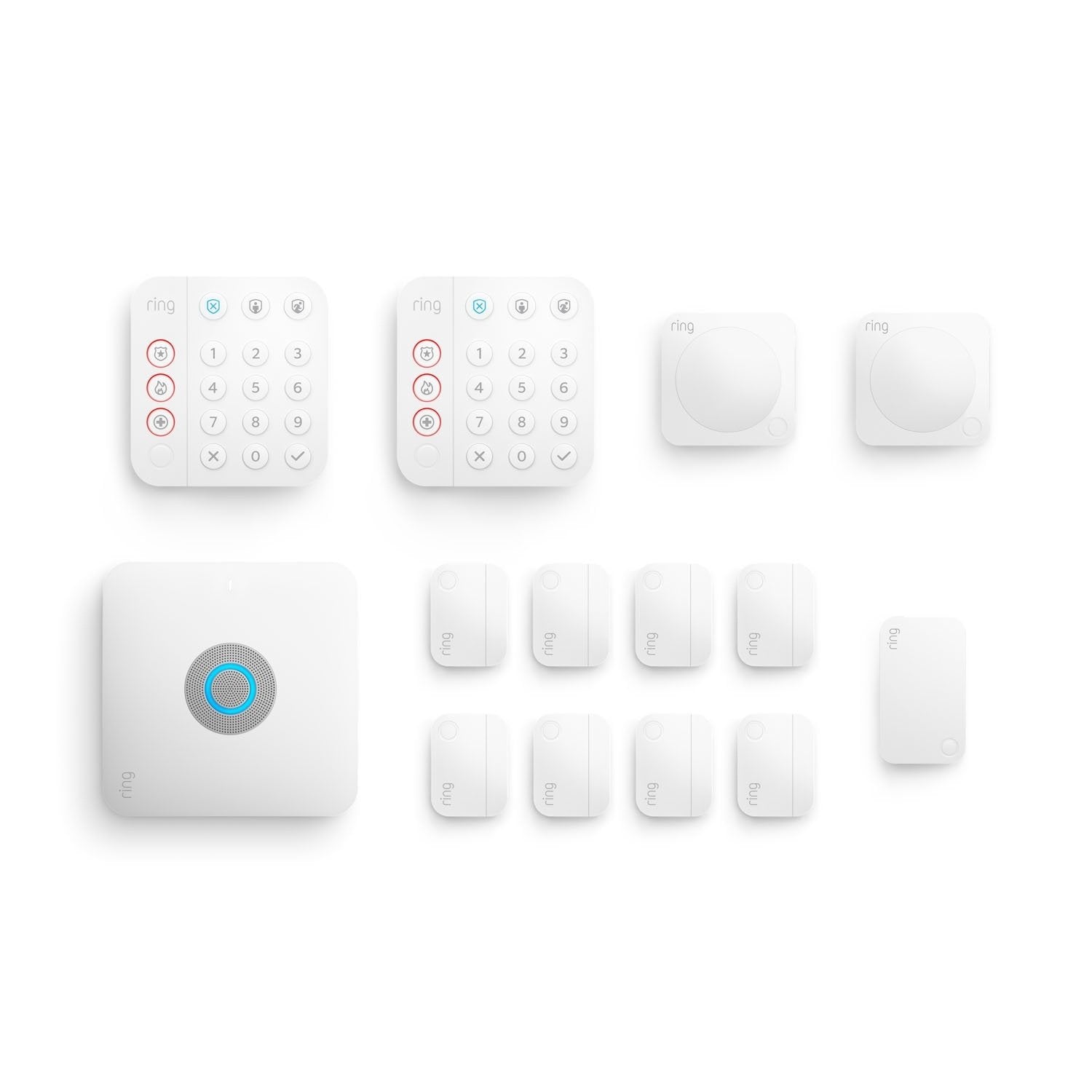
If you are looking for a comprehensive home security system that integrates high-speed networking and professional monitoring, the Ring Alarm Pro 14-Piece Kit with Built-in eero Wi-Fi 6 Router is a top-tier solution for smart home protection. This system is designed to consolidate two major pieces of smart-home infrastructure: security and Wi-Fi, offering a seamless bridge between home protection and high-speed connectivity. Its built-in eero Wi-Fi 6 router makes it especially compelling for homes that need both better connectivity and a monitored alarm platform from one central hub.
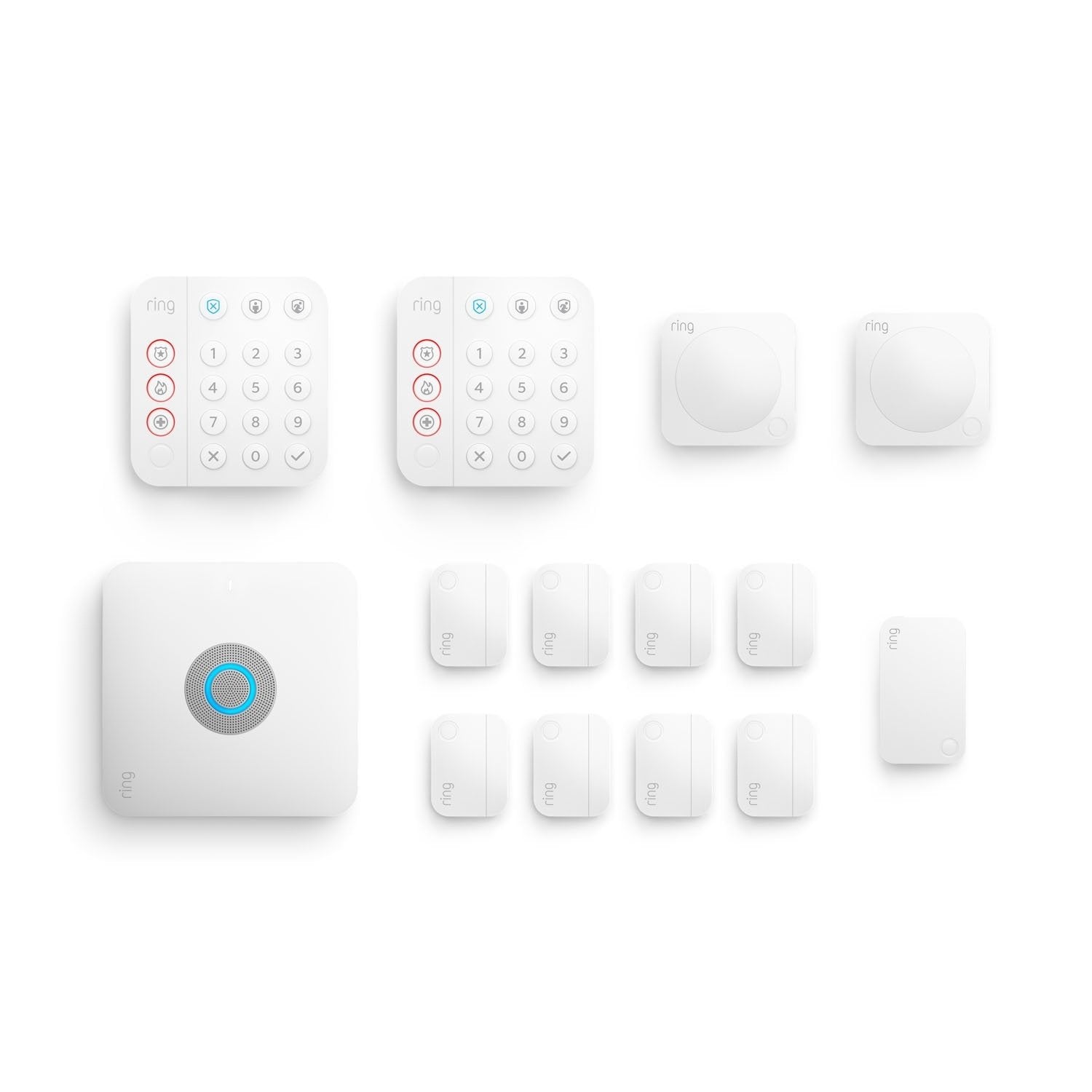
Best All-In-One Pick: Ring Alarm Pro 14-Piece Kit with Built-in eero Wi-Fi 6 Router
Score: 9.1/10 — A strong all-in-one choice for homeowners who want a Ring security starter kit with integrated eero Wi-Fi 6, optional professional monitoring, and backup internet through Ring Protect Pro.
Ring Alarm Pro 14-Piece Kit with Built-in eero Wi-Fi 6 Router
The Ring Alarm Pro 14-Piece Kit (B09DK2PNG9) is a hybrid security and networking hub. By integrating a Wi-Fi 6 router directly into the alarm base station, it reduces hardware clutter and provides a resilient connection for your smart home. With 14 pieces of equipment, it covers multiple entry points and interior zones, making it an ideal "mid-to-large" starter kit for residential homes.
The Ring Alarm Pro 14-Piece Kit is built around a base station that doubles as an eero Wi-Fi 6 router, making it more than a conventional alarm kit. If you are comparing these to traditional professional-grade DIY options, you might find our Eufy Security Alarm (S330) review and other DIY security system evaluations useful for comparison. Instead of adding a separate security hub next to your existing networking gear, this system combines home protection and network management into one central device. For households already considering a Wi-Fi upgrade, that integration is the biggest reason to choose this kit over a more basic alarm package. By utilizing Wi-Fi 6, the hub handles more devices simultaneously and provides faster speeds and lower latency across your smart home ecosystem.
As a 14-piece security bundle, it is intended to cover multiple points around the home, including entryways and interior areas. The included keypad, contact sensors, motion detectors, and range extender give you a practical foundation for arming doors, monitoring movement, and improving communication between the security devices and the base station. It is best suited for homes that need broader coverage than a minimal apartment kit but still want a clean, do-it-yourself setup. The range extender is particularly useful in larger homes or those with thick walls that might otherwise block the Z-Wave signals used by the sensors.
The other major advantage is the optional Ring Protect Pro subscription. For those comparing professional monitoring options (such as the Eufy Security Alarm — see our Eufy Security Alarm review) or the ADT Self Setup 9-Piece Home Security Kit with 24/7 Professional Monitoring
Related parts & accessories
This kit is strongest for homeowners who are comfortable building around the Ring ecosystem. If you already use Ring cameras, video doorbells (or are comparing them to the Arlo Pro 4 Spotlight Camera Security Bundle (see our detailed Arlo Pro 4 review or check out the Arlo Pro 5 Outdoor Security Camera System or the Arlo Essential (see our Arlo Essential review) for a more basic setup) or the complete 4-pack buying guide)), or other Alexa-compatible devices, the Alarm Pro can become the central nervous system of your smart home. However, it is important to note that if you already possess a high-end mesh router system that you are satisfied with, the "Pro" aspect of this hub may be redundant (see our detailed ecosystem guide). In those cases, a standard Ring Alarm kit or the Ring Alarm Pro 14-Piece Kit might suit your specific layout.
For smaller homes, the Ring Alarm Pro 8-Piece Kit with Built-in eero Wi-Fi 6 Router is a more compact and cost-effective alternative.
But for those starting from scratch or looking to replace an aging router, the Ring Alarm Pro 14-Piece Kit provides immense value.Pros
- Combines a home security base station with an eero Wi-Fi 6 router
- 14-piece kit provides a stronger starting point than smaller entry-level bundles
- Includes essential security components for doors, rooms, and system control
- Optional Ring Protect Pro plan adds professional monitoring and LTE backup internet
- Seamless integration with Alexa and other Ring devices
Cons
- Most advanced features (LTE backup, professional monitoring) require a subscription
- May be unnecessary if you already have a high-end mesh Wi-Fi system
- Strictly tied to the Ring/Amazon ecosystem for full functionality
- Very large homes may still need additional eero nodes for complete Wi-Fi coverage
| Specification | Details |
|---|---|
| Catalog Product | Ring Alarm Pro 14-Piece Kit with Built-in eero Wi-Fi 6 Router |
| Model / SKU | B09DK2PNG9 |
| Category | Home Security Systems |
| Core Hub | Alarm Pro base station with built-in eero Wi-Fi 6 router |
| Wi-Fi Standard | Wi-Fi 6 (802.11ax) |
| Included Security Components | Base station, keypad, contact sensors, motion detectors, range extender |
| Monitoring Option | Optional 24/7 professional monitoring via Ring Protect Pro |
| Backup Connectivity | LTE Backup (Requires subscription) |
| Installation Type | DIY (Do-It-Yourself) |
| Best For | Homeowners consolidating networking and security |
How the System Works: Integration and Logic
To understand the value of the Ring Alarm Pro, one must understand how it differs from a traditional "dumb" alarm. A traditional alarm is a closed loop: a sensor is tripped, a siren sounds, and perhaps a phone line calls a monitoring station. The Ring Alarm Pro operates on a multi-layer communication strategy. It uses Z-Wave for the sensors (which is a low-power, long-range mesh protocol) and Wi-Fi 6 for the data uplink to the cloud and your smartphone.
The built-in eero router acts as the "brain" of the operation. Because the router is integrated, the base station doesn't have to "fight" for bandwidth on your network to send an alert; it is the network. This reduces the likelihood of "device offline" errors that plague other DIY systems. When a contact sensor on a window is opened while the system is armed, the signal travels via Z-Wave to the base station, which immediately pushes a notification to your phone via the eero Wi-Fi 6 connection.
The "Pro" designation specifically refers to the Internet Backup capability. Standard alarms usually have a battery backup for power, but they still rely on your home's internet to send alerts. If a burglar cuts your exterior cable line, a standard smart alarm is silenced. The Alarm Pro, when paired with the Ring Protect Pro subscription, detects the loss of internet and instantly switches to an internal LTE cellular connection, ensuring the alarm signal still reaches the monitoring center.
This architecture creates a "fail-safe" environment. The transition from Wi-Fi to LTE is designed to be seamless, occurring in seconds. For the end-user, this means the system maintains its "Armed" status and communication capability even during local ISP outages. Furthermore, the Z-Wave mesh network ensures that sensors in far corners of the house can "hop" their signal through the range extender to reach the base station, effectively eliminating dead zones in the security perimeter.
Beyond the basic alarm triggers, the system integrates with the broader Ring ecosystem. If you have a Ring Video Doorbell, the system can be configured to act as a trigger. For instance, if a motion-detected event is flagged by an AI camera, the user can immediately check their alarm status from the same interface. The use of Wi-Fi 6 specifically allows for more simultaneous connections, which is critical as modern homes now average 20+ connected devices. Older Wi-Fi 5 routers often struggle with "congestion," which can lead to delays in notification delivery—a critical failure in a security context.
Comprehensive Buyer's Guide: Is This Kit Right For You?
Choosing a security system is less about the hardware and more about the lifestyle it supports. If you are comparing different brands, such as the Abode Iota All-in-One Home Security Kit or professional installations like the Vivint Smart Home Security System (read our Vivint review), the the Cove Home Security System Deluxe Package offers a different approach to professional monitoring (see our detailed guide).
Compare the Cove Home Security System Deluxe Package to see how it compares in value.
The B09DK2PNG9 kit is specifically engineered for a particular type of user. You should prioritize this kit if you fall into one of these categories:Conversely, there are several scenarios where this kit may not be the optimal choice. Despite its strengths, it isn't for everyone. You might want to look elsewhere if:
Pro Tip: If you find the Wi-Fi coverage of the single base station isn't enough for a large house, you can add additional eero nodes to the system to create a full mesh network, extending the "Pro" benefits throughout your home.
Detailed Setup and Installation Process
One of the strongest selling points of the Ring Alarm Pro is its DIY nature. You do not need to pay a technician to drill holes in your walls. The installation follows a linear path designed for non-technical users, moving from the "brain" of the system outward to the perimeter.
Phase 1: Hub Configuration
First, you set up the base station using the Ring app. This involves connecting the hub to your modem via an Ethernet cable. Since it is also your router, this step replaces the traditional "setting up the Wi-Fi" process. You will name your network (SSID) and set a password through the app, at which point the eero Wi-Fi 6 network goes live for all your other home devices. It is recommended to place the hub in a central loc