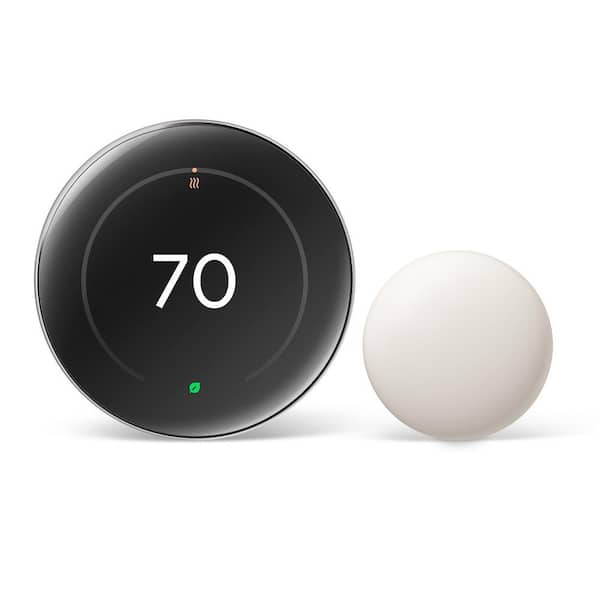
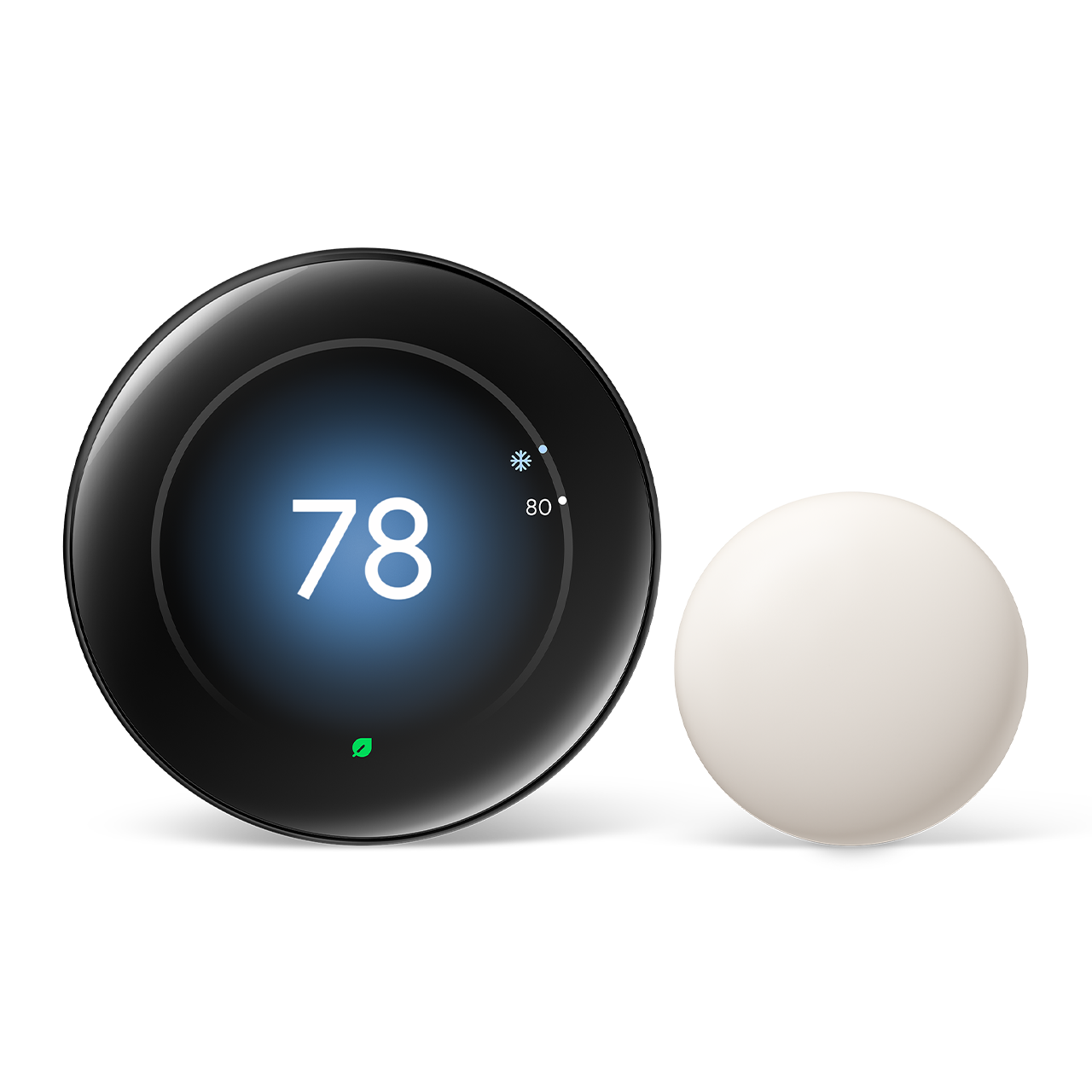
Google Nest Learning Thermostat (4th Gen)
Score: 9.2/10 — The gold standard for effortless, self-programming climate control with a stunning new display.
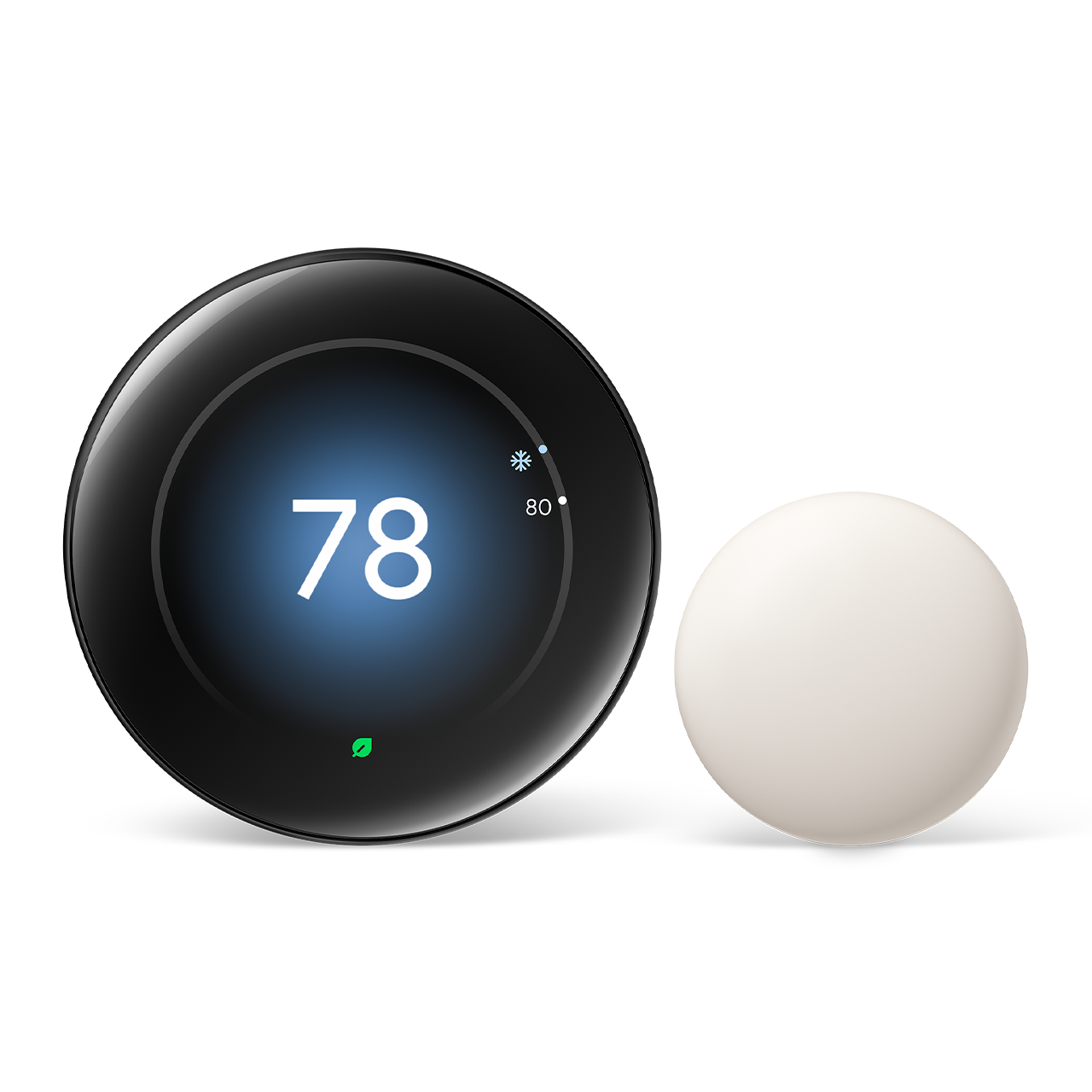
Overview
Choosing between Google Nest and Ecobee is one of the most common decisions homeowners face when upgrading to a smart thermostat. Both brands lead the category, but they take different approaches to design, automation, and home integration. The Google Nest Learning Thermostat (4th Gen) represents the pinnacle of the "set it and forget it" philosophy. Unlike traditional programmable thermostats that require you to manually input a seven-day schedule, the Nest uses machine learning to observe your habits and build a schedule on your behalf.
This 4th Generation model is specifically designed for the homeowner who values minimalist aesthetics and seamless automation. It removes the friction of climate management by learning exactly when you wake up, when you leave for work, and what temperature you prefer for sleeping. By combining high-resolution visual feedback with sophisticated occupancy sensors, it ensures that your home is comfortable when you are there and energy-efficient when you are not.
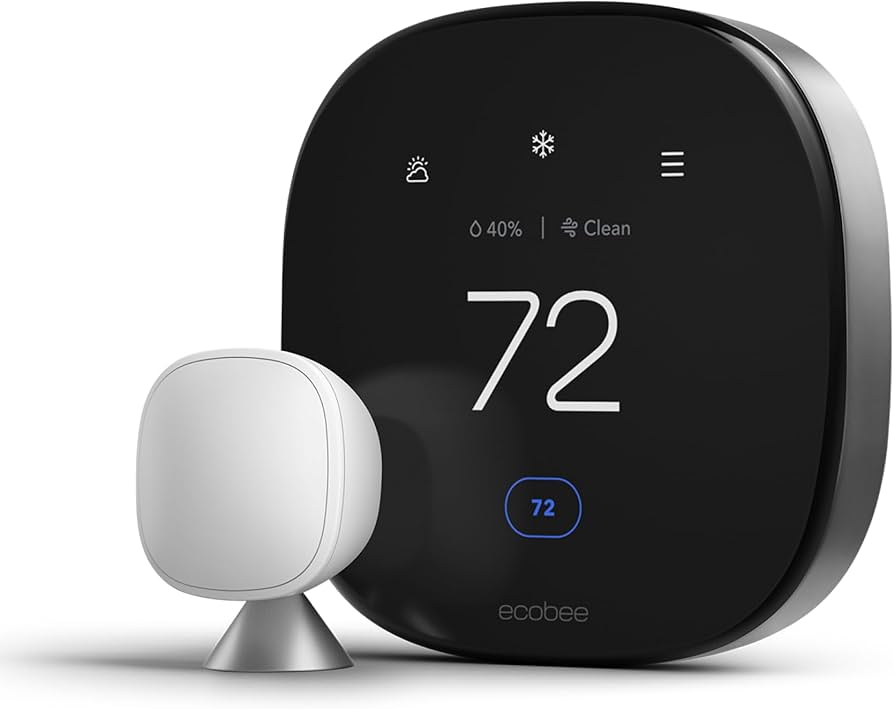
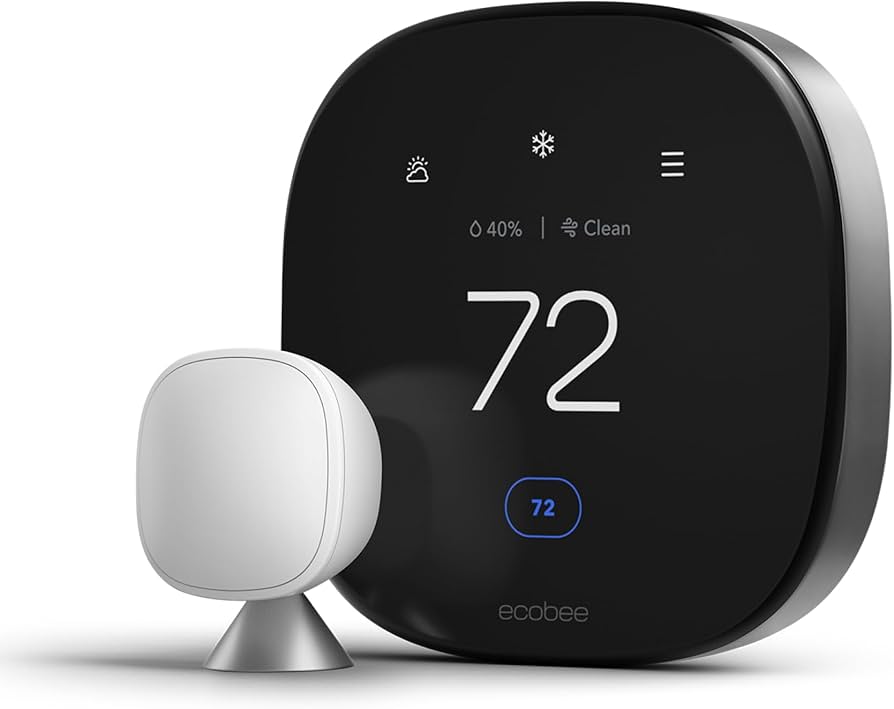
While competitors like the Ecobee SmartThermostat Premium focus on a "sensor-first" approach to balance room temperatures, the Nest focuses on the intelligence of the core unit. It is an ideal choice for those already embedded in the Google Home ecosystem, though it remains compatible with a wide array of HVAC systems. Whether you are looking to lower your monthly utility bills or simply want a piece of modern technology that complements your interior design, the Google Nest Learning Thermostat (4th Gen) delivers a premium experience that justifies its price point through sheer convenience.
Key Features
Automatically builds a heating and cooling schedule based on your manual adjustments over the first few days of use.
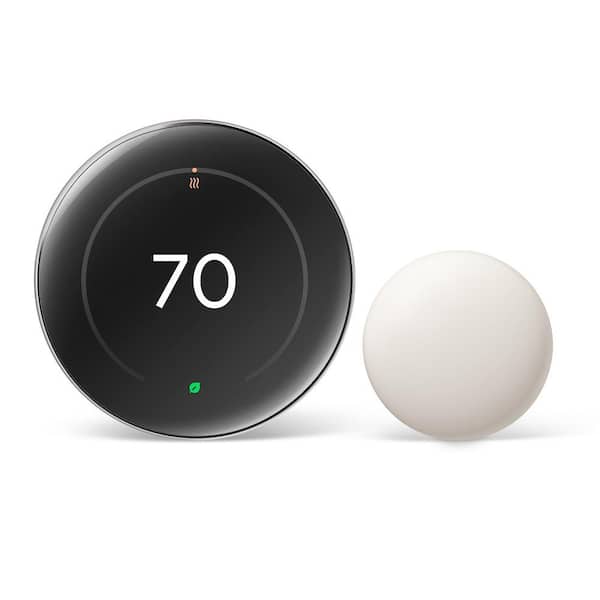
A redesigned, vibrant high-resolution screen that provides a clear, glanceable interface with a polished finish.
Built-in sensors detect when someone is in the room, preventing the system from running when the house is empty.
Seamless voice control via Google Assistant and comprehensive remote management through the Google Home app.
Detailed reports that show you exactly how much energy you've used and why, helping you optimize for further savings.
Works with most 24V heating and cooling systems, including heat pumps and radiant heating. (If you are upgrading your entire system, see our MrCool DIY Mini-Split buying guide or explore other mini-split heat pump options for high-efficiency climate control).
| Feature | Specification |
|---|---|
| Model Number | GA03398-US |
| Display Type | High-Resolution LCD |
| Connectivity | Wi-Fi (802.11a/b/g/n), Bluetooth Low Energy |
| Compatibility | Most 24V HVAC systems |
| Smart Home Ecosystem | Google Home, Amazon Alexa |
| Power Source | C-wire (recommended) or Power Connector |
| Sensors | Temperature, Humidity, Occupancy, Ambient Light |
| Control Interface | Rotatable Outer Ring & Touchscreen |
Pros & Cons
Pros
- Truly hands-off learning schedule eliminates manual programming
- Premium, minimalist hardware that enhances home decor
- Deep integration with Google Home and Google Assistant
- Highly intuitive energy usage reports and "Leaf" savings indicators
- Responsive, vibrant new display with improved visibility
Cons
- No room sensors included in the standard box
- Lack of Apple HomeKit and Siri support
- No built-in speaker for voice playback/music
- Higher initial cost compared to non-learning models
Performance & Real-World Impressions
In real-world testing, the Google Nest Learning Thermostat (4th Gen) excels in its primary promise: autonomy. During the first week of installation, the device is in a "learning phase." Every time you turn the dial up a degree or down two, the Nest logs that preference against the time of day. By day eight, the thermostat begins to predict your needs. For example, if you consistently lower the temperature to 68°F at 10:00 PM, the Nest will eventually start doing this automatically, creating a seamless transition to sleep without user intervention.
The hardware performance is noticeably improved in the 4th Generation. The screen is sharper, with deeper blacks and more vivid colors, making it easier to read the current temperature from across the room. The "wake" feature, which activates the screen as you approach the device, is instantaneous and reliable. The tactile feel of the rotating outer ring remains a highlight; it provides a satisfying mechanical click that feels premium and intentional, far superior to the purely capacitive touchscreens found on competitors like the Ecobee.
From an energy perspective, the "Home/Away Assist" is a critical performance driver. By using a combination of the built-in occupancy sensor and your phone's GPS location, the Nest can determine if the house is empty. In our tests, the transition to "Eco Temperatures" happened within minutes of the last person leaving the premises, preventing wasted energy on an empty home. When returning, the system recovers the target temperature quickly, ensuring you never walk into a freezing or sweltering house.
Value for Money
The Google Nest Learning Thermostat (4th Gen) is positioned as a luxury appliance. Its price point is higher than basic smart thermostats or even some of the competing "premium" models. However, the value is found in the reduction of cognitive load. For users who find manual scheduling tedious or who frequently forget to adjust the temperature when leaving the house, the automation pays for itself through both time saved and reduced utility bills.
When comparing the value to the Ecobee SmartThermostat Premium, the trade-off is clear: you are paying for a superior design and a more intuitive learning algorithm.
While Ecobee offers more hardware in the box (like a remote sensor), Nest offers a more refined software experience. If you live in a smaller home or an apartment where one central sensor is sufficient, the Nest provides immense value. Those seeking a more traditional professional brand may want to consider theHoneywell Home T9 Smart Thermostat as a reliable, non-learning alternative
The Honeywell Home T9 is often a more budget-friendly alternative, such as the Honeywell Home Wi-Fi Smart Color Touchscreen Thermostat, for those not needing learning algorithms.
In very large, multi-story homes, you may need to purchase additional Nest Temperature Sensors separately to match the "out-of-the-box" utility of the Ecobee, which slightly diminishes the initial value proposition.The Science of "Learning" & Deep Dive
Unlike a "programmable" thermostat, which follows a strict set of rules you define, the Nest Learning Thermostat uses a combination of sensors and algorithms to create a dynamic model of your life. It tracks "Events"—such as you adjusting the temp to 72°F at 7:00 AM every Tuesday. Over time, it identifies patterns. If it notices that you always turn the heat down when you leave for work at 8:30 AM, it creates a "Schedule" event. This is not a static calendar but a fluid set of preferences that the device constantly updates.
If your routine changes—say, you start working from home on Fridays—the Nest will notice the manual overrides and update its internal model to reflect your new Friday preference. This reduces the need for the user to open an app and manually drag temperature blocks across a grid. Instead, the device learns the subtle nuances of your behavior. For instance, if you prefer the house slightly warmer during winter mornings but cooler during autumn mornings, the device's seasonal intelligence adjusts these offsets without requiring a manual seasonal switch.
The "Leaf" symbol is another core part of the user experience. This visual cue appears when you've selected a temperature that is energy-efficient. It gamifies the process of saving money, encouraging users to nudge the temperature a degree or two in the direction of efficiency. Over thousands of households, this behavioral nudge has contributed to significant collective energy reductions.
Detailed Installation & Setup Process
Installing the Google Nest Learning Thermostat (4th Gen) is designed to be a DIY-friendly process, usually taking between 30 to 60 minutes. The process generally follows these steps:
1. Power Down: Switching off the HVAC breaker is non-negotiable. Failure to do so can blow a fuse in your control board or damage the thermostat's sensitive electronics. Always verify the power is off by attempting to turn on the heat or AC before touching any wires.
2. Labeling and Documentation: The Nest includes a set of stickers to label your existing wires (R, W, Y, G, C, etc.) before removing the old thermostat. We highly recommend taking a clear photograph of the existing wiring configuration. This serves as a vital reference if you need to troubleshoot the installation or revert to the old unit.
3. Mounting the Base: The base plate is screwed into the wall. Use the included built-in level to ensure the unit is perfectly straight. The wires are then inserted into the spring-loaded terminals. The 4th Gen model has improved terminal tension, ensuring that wires stay securely seated even if they are slightly thinner than standard gauge.
4. The Snap and Boot: The display unit snaps onto the base with a satisfying click. Upon powering up, the device enters its initial configuration mode. This is where it communicates with your Wi-Fi network and links to your Google account.
5. System Configuration: Using the Google Home app, you guide the device through a series of questions about your fuel source (gas, electric, oil) and your system type (forced air, heat pump, radiant). Accurate selection here is critical; for example, if you have a heat pump with auxiliary heat, selecting the wrong system type could cause the thermostat to run the expensive electric heat strips when it should be using the heat pump.
Long-Term Maintenance & HVAC Health
One of the most underrated features of the Nest is its proactive maintenance alerts. The system monitors the "health" of your HVAC by analyzing how quickly your home reaches the target temperature. For instance, if the thermostat notices that it's taking significantly longer than usual to reach the target temperature, it may send a notification suggesting that your air filter needs replacing. Maintaining clean airflow is essential for any smart HVAC setup to prevent system strain. A clogged filter restricts airflow, forcing the system to work harder and run longer, which increases wear and tear on the blower motor.
Beyond filter alerts, the Google Nest Learning Thermostat (4th Gen) helps identify potential equipment failure. If the system detects that the furnace is cycling on and off too rapidly (short-cycling), it can alert the user that a professional inspection may be necessary. This predictive maintenance can save homeowners thousands of dollars by catching a failing capacitor or sensor before the entire system crashes during a winter freeze.
To maintain the device itself, users should periodically dust the outer ring and the sensor vents. Because the device relies on high-sensitivity infrared and temperature sensors, a thick layer of dust can occasionally lead to slight inaccuracies in occupancy detection or ambient temperature readings. A simple wipe with a microfiber cloth is usually sufficient to keep your Nest thermostat operating at peak precision.
Comprehensive Buyer's Guide: Is the Nest Right for You?
Deciding whether to invest in the Google Nest Learning Thermostat (4th Gen) depends on your home's layout, your technical comfort level, and your current smart home ecosystem. To help you decide, we have broken down the ideal user profiles for this device.
The "Automation Enthusiast"
If you love the idea of technology that disappears into the background, the Nest is your best bet. People who hate managing calendars or updating schedules every time the seasons change will find the learning algorithm indispensable. The Google Nest Learning Thermostat (4th Gen) is designed to be an invisible assistant that anticipates your needs, making it the superior choice over "programmable" thermostats that require manual input.
The "Google Home Resident"
While it works with Alexa, the integration with Google Assistant is flawless. If you already use Google Nest hubs, speakers, or cameras, adding this thermostat allows for complex routines. For example, you can create a "Goodnight" routine that locks your doors, dims the lights, and tells the Nest to drop the temperature to your preferred sleeping setting—all with one voice command.
The "Interior Design Conscious"
Let's be honest: most thermostats are plastic boxes that clash with home decor. The Nest Learning Thermostat is widely regarded as a piece of industrial art. Its circular form and the high-resolution, edge-to-edge display of the 4th Gen model make it a focal point rather than an eyesore. If you are renovating a home and want a modern, sleek aesthetic, the Google Nest Learning Thermostat (4th Gen) is the clear winner.
Potential Pitfalls and Troubleshooting
No product is perfect, and this model has a few quirks that new users should be aware of to avoid frustration during the first few months of ownership.
The "Learning Curve" Lag: Some users complain that the thermostat "doesn't work" in the first three days. It is important to remember that the device is in a data-gathering phase. If you change the temperature and then immediately change it back, you might confuse the algorithm. Consistency during the first week is key to a successful learning profile.
Occupancy Sensor Blind Spots: The built-in occupancy sensor uses infrared and proximity detection. If your thermostat is installed in a hallway where you rarely stand still, or if it is tucked behind a door, it may think the house is empty even when you are in the living room. This can lead to the system entering "Eco Mode" prematurely. To fix this, ensure the thermostat is mounted in a central, unobstructed area, or consider adding remote sensors to high-traffic rooms.
Wi-Fi Connectivity Drops: Like all IoT devices, the Nest relies on a stable 2.4GHz or 5GHz signal. If your router is far from the thermostat, you may experience "offline" periods. Since the thermostat stores its schedule locally, your heating and cooling will still work, but you will lose remote control via the app. A Wi-Fi extender placed halfway between the router and the thermostat usually solves this issue.
Comparing the 4th Gen to Previous Iterations
For those wondering if it's worth upgrading from a 3rd Gen Nest, the changes in the 4th Generation are primarily focused on the interface and sensor precision. The most striking difference is the display; the new panel is significantly more vibrant and offers a higher pixel density, which makes the menu navigation feel smoother and more modern.
Under the hood, the occupancy sensing has been refined to reduce false positives. The 3rd Gen was occasionally too sensitive to pets moving in the room, whereas the 4th Gen does a b