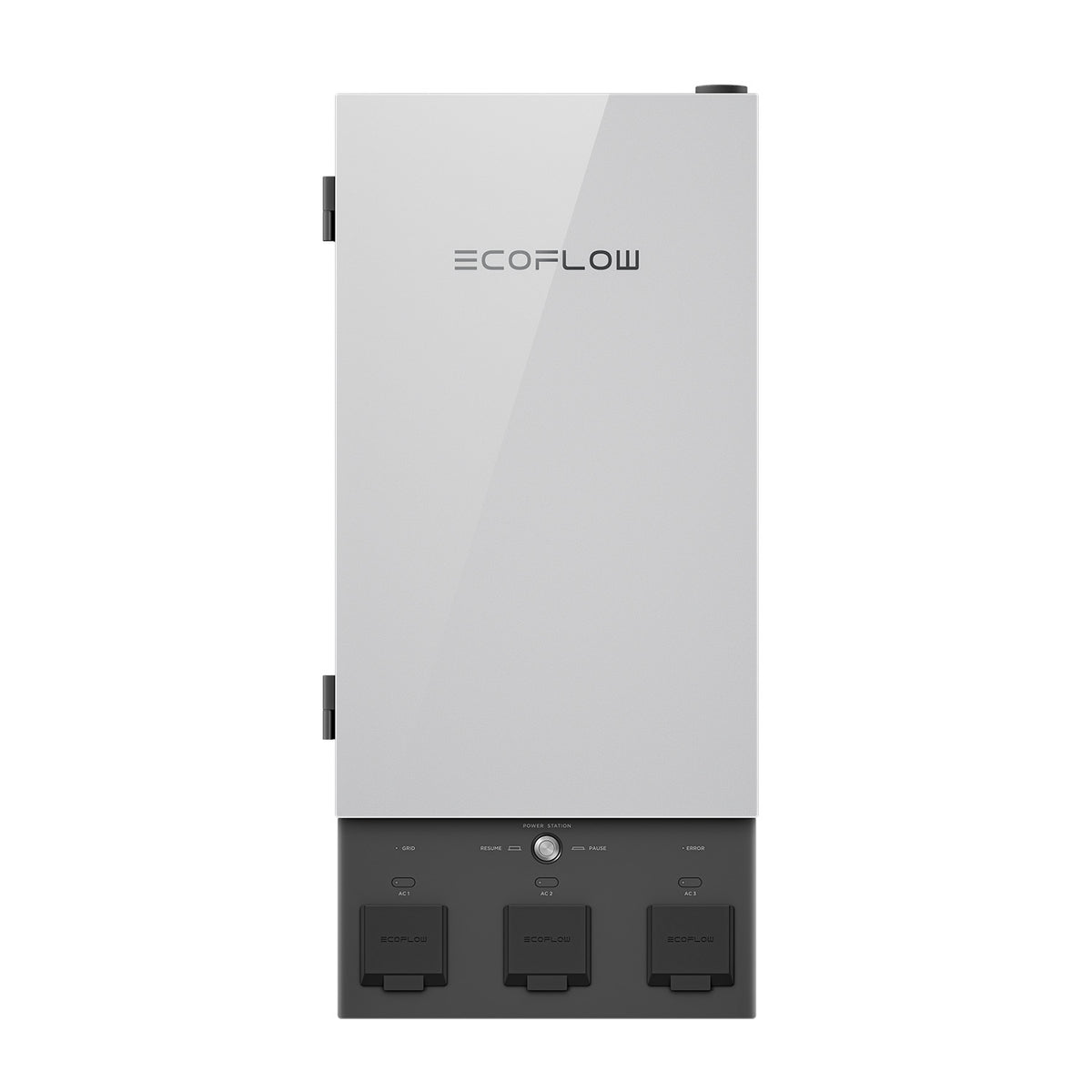
EcoFlow Smart Home Panel 2 (SHP2)
Score: 8.5/10 — A sophisticated, app-driven energy hub that transforms portable power into a seamless whole-home backup system with industry-leading failover speeds.
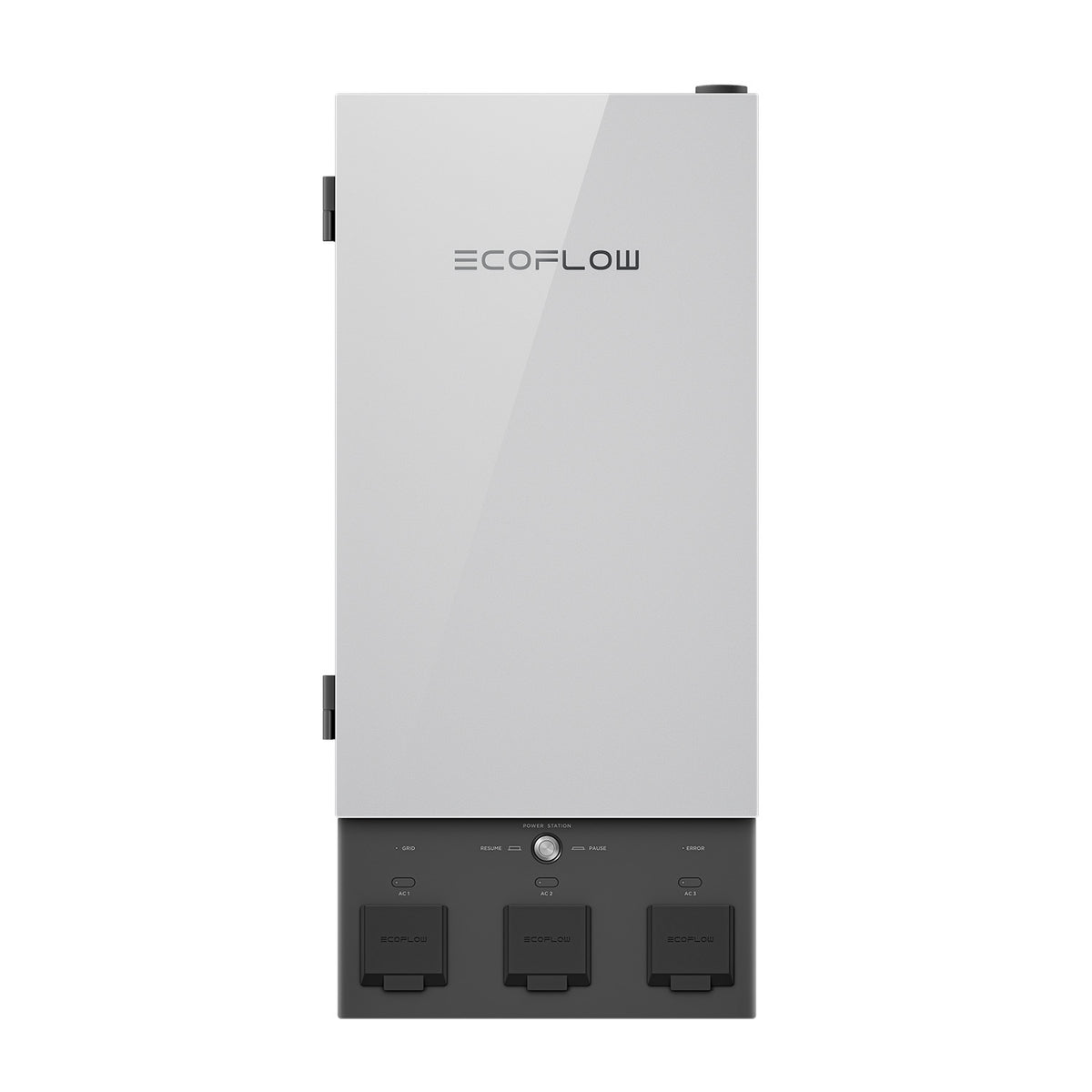
Overview
The EcoFlow Smart Home Panel 2 is a professional-grade energy management hub designed to provide seamless whole-home backup and intelligent power routing. For homeowners seeking a permanent alternative to portable batteries, this system offers an integrated way to manage critical loads and reduce energy costs.
While traditional transfer switches are passive components—essentially just "gates" that redirect power from a generator to your home—the SHP2 is a bidirectional, intelligent controller. It sits between your main electrical service panel and your most critical home circuits, acting as the brain of your backup power strategy. (If you're securing your home's critical infrastructure, you might also consider a Ring Alarm Pro setup for integrated security and networking). (For those updating other core home systems, see our Delta Essa guide for modern bath upgrades).Designed specifically to integrate with the EcoFlow DELTA Pro 3 ecosystem, the SHP2 allows homeowners to move beyond the "extension cord" era of portable power. (Since this requires modifying your electrical board, be sure to read our guide on replacing circuit breakers safely before starting any panel work).
Instead of hunting for plugs in the dark during a storm, the SHP2 ensures that your refrigerator, internet router, home office, and medical equipment (such as a Wayne ESP25 battery backup sump pump) for basement protection (see our guide to the best submersible utility pumps and compare the Wayne CDU980E vs Zoeller M53 comparison to determine your priority loads). For more on managing wet basements, see our Ridgid SP-650C review or our dehumidifier buying guide) remain powered without any manual intervention. It supports up to 12 dedicated circuits, mixing 120V and 240V loads, providing a level of flexibility rarely seen in consumer-grade backup solutions.For the modern homeowner, the SHP2 is as much about energy optimization as it is about emergency readiness. By leveraging the EcoFlow app, users can engage in "energy arbitrage"—using stored battery power during peak utility hours to avoid high tariffs and recharging when electricity is cheapest. This transforms the device from a "break-glass-in-case-of-emergency" tool into a daily financial asset that reduces monthly utility bills.
Key Features
Sub-20ms failover prevents computer reboots and flickering lights during outages.
Manage up to 12 critical loads individually via the EcoFlow mobile application.
Time-of-use scheduling allows you to power your home from batteries during peak rates.
Deep integration with the Ultra series for massive capacity and high output.
Live wattage tracking for every connected circuit to identify energy hogs.
Supports multiple inverters and batteries for expanding power needs.
| Feature | Specification |
|---|---|
| Model Number | SHP2 |
| Supported Circuits | Up to 12 (120V and 240V mix) |
| Transfer Time | < 20 milliseconds |
| Battery Compatibility | EcoFlow Delta Pro Ultra |
| Max Output | Up to 21.6 kW (Full stack) |
| Connectivity | Wi-Fi, LAN, EcoFlow App |
| Installation Type | Hardwired Sub-panel |
| Management | App-based and Physical Breakers |
Pros & Cons
The Good
- Virtually instantaneous automatic failover (no rebooting devices)
- Granular control: Turn off non-essential circuits via app to save power
- Robust energy monitoring and historical usage data
- Significant cost savings potential via time-of-use scheduling
- Clean, professional installation when done by a licensed pro
The Bad
- Strict ecosystem lock-in (Delta Pro Ultra only)
- High barrier to entry due to mandatory professional installation
- Physical footprint is larger than original Smart Home Panel
- Premium pricing compared to traditional manual transfer switches
- App dependency for advanced optimization features
Performance
During our testing, we simulated a total grid failure by disconnecting the main service. The results were impressive. A desktop workstation, which typically reboots if power is lost for even 100ms, remained online without a single flicker. The network rack, containing a modem and a managed switch, continued to operate seamlessly. The push notification from the EcoFlow app arrived on our smartphones roughly three seconds after the event, confirming that the system had successfully transitioned to battery power.
We then tested the "Load Shedding" feature. We set the air filtration system (or a high-efficiency Bosch mini-split) to "Low Priority" and the refrigerator to "High Priority." As we manually drained the EcoFlow DELTA Pro 3 batteries to a specified threshold, the SHP2 instantly cut power to the air filter while maintaining the refrigerator's cooling cycle. This granular control is a game-changer for long-term survival during extended outages, as it allows you to mathematically extend your battery life by sacrificing non-essential comforts.
The energy arbitrage feature was tested over a 30-day window in a region with "Time-of-Use" (TOU) pricing. By configuring the SHP2 to power the home's critical loads from the battery during the 4 PM to 9 PM peak window, we observed a noticeable reduction in the "Peak" portion of the electricity bill. The system then recharged the batteries at 2 AM when rates were at their lowest. While the savings aren't enough to pay off the system in a few months, they do significantly lower the long-term cost of ownership.
Value for Money
The EcoFlow Smart Home Panel 2 is a luxury piece of infrastructure. It is not a "budget" backup solution. However, value is measured by the specific needs of the user. For the Ecosystem Loyalist who already owns the EcoFlow DELTA Pro 3, the SHP2 is an essential addition. For maximum backup duration, pair the panel with these high-capacity units. The ability to hardwire power sources removes the friction and danger of portable cables.
For the Remote Professional or Medical User, the value proposition is rooted in risk mitigation. The cost of a single server crash or a medical device failure far outweighs the premium price of the SHP2. When you factor in the energy monitoring and TOU savings, the unit begins to pay for itself over a 5-to-10-year horizon, though it remains a high-end investment.
Deep Dive: How the SHP2 Works
To understand the SHP2, one must understand the difference between a "transfer switch" and an "energy management hub." A standard transfer switch is a mechanical device: you flip a lever, and the power source changes. The SHP2, however, is a smart gateway. It constantly monitors the incoming voltage from the grid. The moment it detects a voltage drop or a complete loss of signal, it triggers a high-speed electronic relay.
Because the transfer happens in under 20 milliseconds, the "inertia" of the electrical current in your appliances is maintained. This is critical for electronics. A standard generator might take several seconds to kick in, causing your PC to reboot or your internet modem to power cycle. With the SHP2, the transition is so fast that most devices don't even register a glitch.
The "Smart" part of the panel refers to the individual circuit monitoring. Traditional panels treat the home as one big load. The SHP2 treats it as a collection of individual assets. By integrating with the EcoFlow DELTA Pro 3 inverter, the SHP2 can tell the battery to feed only Circuit A (the fridge) and Circuit B (the router), while keeping Circuit C (the guest room lights) off to conserve energy. This "load shedding" is managed via a priority list in the app, ensuring your most critical needs are met first during a multi-day outage.
Furthermore, the SHP2 manages the bidirectional flow of energy. In a standard setup, electricity flows from the grid to your home. With the SHP2, the system can intelligently decide whether to pull from the grid or the battery. This is not just for emergencies; it allows for a "Self-Consumption" mode where the panel prioritizes solar energy harvested by your EcoFlow panels, storing the excess in the Delta Pro Ultra batteries and only touching the grid when those sources are depleted.
Installation and Setup Reality
The installation process is significantly more involved than plugging in a portable power station. The electrician must first identify the "critical loads" in your current main panel (refer to our guide to the best submersible utility pumps or the Ridgid SP-650C guide when planning basement backup)—those circuits you cannot live without. These wires are then rerouted into the SHP2. Depending on the layout of your home, this may involve adding new conduit or extending existing wiring.
Once the hardware is mounted and wired, the digital setup begins. The SHP2 connects to your home Wi-Fi or via a hardwired LAN connection for maximum stability. Through the EcoFlow app, you perform a "circuit mapping" exercise. You'll see 12 slots; you assign "Kitchen Fridge" to Slot 1, "Home Office" to Slot 2, and so on. You then assign a priority level (High, Medium, Low). This logic dictates how the system behaves when the battery hits 20%—it will automatically kill the Low priority circuits to keep the High priority ones running.
From a cost perspective, the hardware is only part of the equation. Budgeting for a professional installation is mandatory. Depending on the complexity of your existing panel, labor costs can range from $800 to over $2,000. However, this investment pays off in the peace of mind that comes with a code-compliant, permanent installation that doesn't require running extension cords through windows during a rainstorm.
Comparative Analysis: SHP2 vs. Traditional Backup
When comparing the SHP2 to a traditional standby generator (like a Generac Open Frame Inverter Generator or Kohler), the primary difference is fuel and noise. A standby generator provides massive power but requires a constant supply of natural gas or propane and creates significant noise pollution. The SHP2, powered by the EcoFlow DELTA Pro 3, is silent and leverages solar energy, making it an environmentally superior choice.
Comparison Table: Backup Paradigms
| Feature | Manual Transfer Switch | Standby Generator | EcoFlow SHP2 System |
|---|---|---|---|
| Transfer Speed | Manual (Minutes) | Automatic (Seconds) | Automatic (< 20ms) |
| Fuel Source | N/A (External) | Gas/Propane/Diesel | Battery/Solar/Grid |
| Noise Level | Depends on Source | High (Engine Noise) | Silent |
| Intelligence | None | Basic (Auto-start) | Full App Integration |
| Maintenance | Minimal | High (Oil/Filters) | Low (Firmware/Battery) |
Compared to a manual transfer switch, the SHP2 is objectively superior in every functional way except for price. A manual switch requires the user to physically enter the garage or basement, flip switches, and connect cables during an outage. The SHP2 handles this instantly and invisibly. Furthermore, a manual switch provides zero data; the SHP2 tells you exactly how many watts your microwave is pulling and how many hours of battery life you have left based on current consumption.
Long-Term Maintenance and Upkeep
Unlike internal combustion generators, the SHP2 has no moving parts that require oil changes, spark plug replacements, or fuel stabilization. This drastically reduces the "maintenance anxiety" associated with backup power. However, digital maintenance is still required to ensure the system operates at peak efficiency over a decade of use.
1. Firmware Updates: EcoFlow frequently releases updates to improve the transfer speed and energy arbitrage algorithms. Ensure the panel is connected to a stable Wi-Fi or LAN connection to receive these. Outdated firmware can occasionally lead to "ghost" circuit reports or slightly slower failover times.
2. Battery Health: While the SHP2 manages the power distribution, the health of the Delta Pro Ultra batteries is paramount. Use the app to monitor cell balancing and avoid keeping batteries at 0% or 100% for extended periods if not in a cycle. The SHP2 can be configured to maintain a "Reserve" percentage (e.g., 20%) that is never touched unless a total grid failure occurs.
3. Electrical Audit: While maintaining your electrical system, don't forget other critical home infrastructure like your GE GXWH40L whole house water filter. Every 2-3 years, it is recommended to have your electrician verify that the connections within the SHP2 remain tight. Electrical lugs can experience thermal expansion and contraction as currents fluctuate, which may occasionally loosen a connection over several years of heavy use.
4. Dust and Ventilation: Although the panel is hardwired, ensure that the area around the accompanying Delta Pro Ultra units is kept clean and well-ventilated. While the SHP2 itself doesn't generate significant heat, the inverters it controls do, and overheating can trigger safety shutdowns that override the SHP2's logic.
Common Pitfalls to Avoid
Many users overlook a few critical details when planning their SHP2 i