Abode Iota All-in-One Home Security Kit — 8.4/10
A highly flexible, no-contract DIY security system that stands out with its built-in 1080p camera, Z-Wave and Zigbee smart home support, and optional professional monitoring — making it one of the best all-in-one hubs for homeowners who want serious security without long-term commitments.
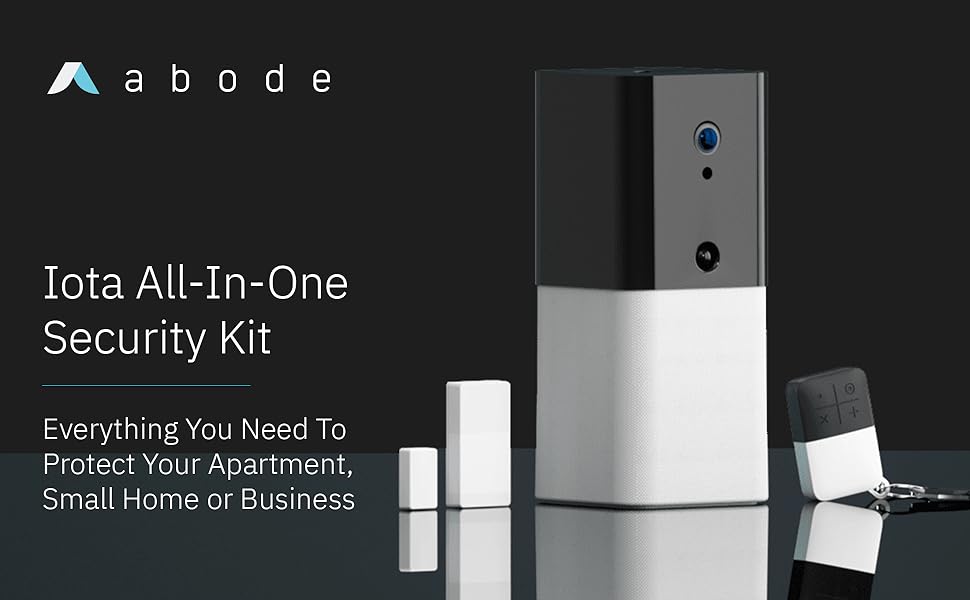
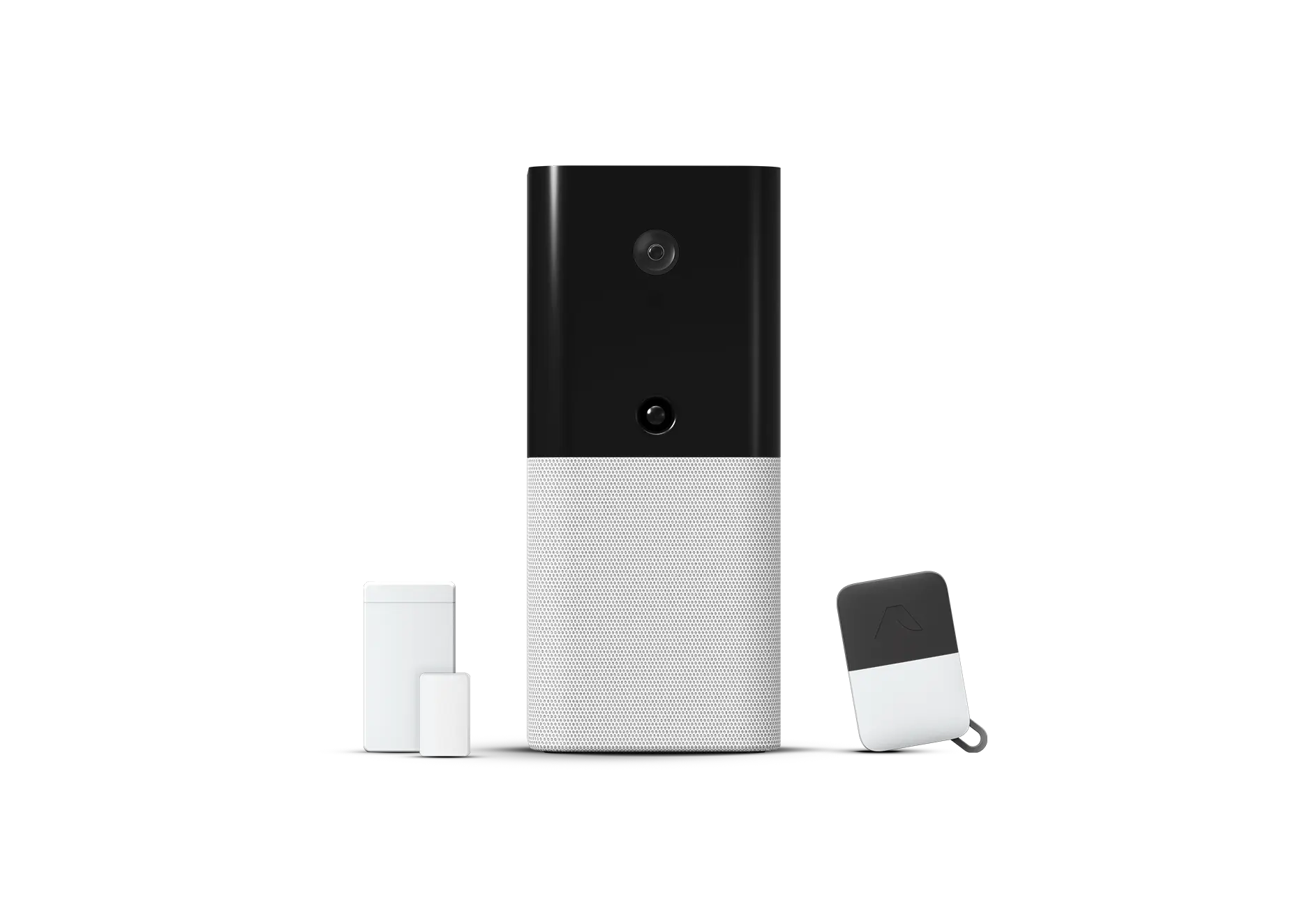
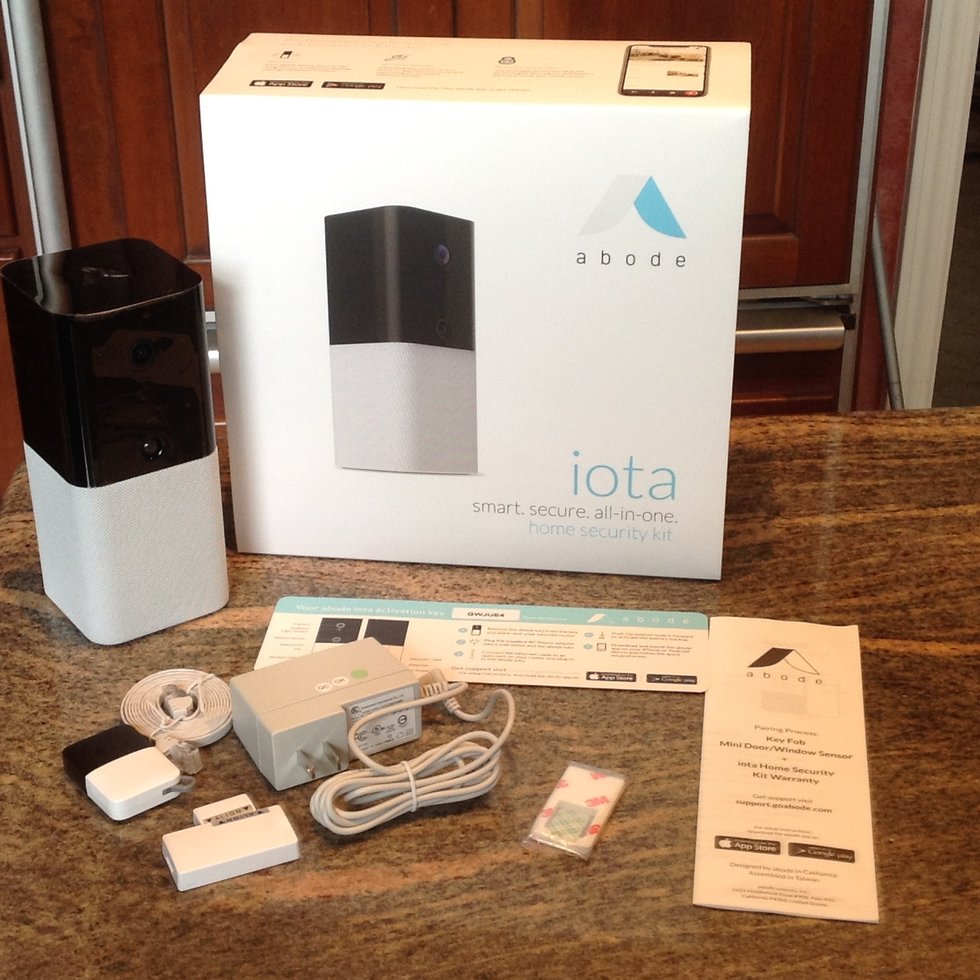
Looking for a more expansive starter set? Check out the Abode Smart Security Kit with iota All-in-One Security Hub for additional coverage.
Overview
In this Abode Iota review, we evaluate whether this no-contract, all-in-one DIY security kit is the best choice for homeowners and renters, testing its 1080p camera quality, smart home integration, and the flexibility of its professional monitoring plans—features we also weigh against systems like the SimpliSafe 12-Piece Wireless Home Security System. The Abode Iota All-in-One Home Security Kit is designed for homeowners and renters who want a robust DIY security solution without signing away two or three years to a monthly monitoring contract.
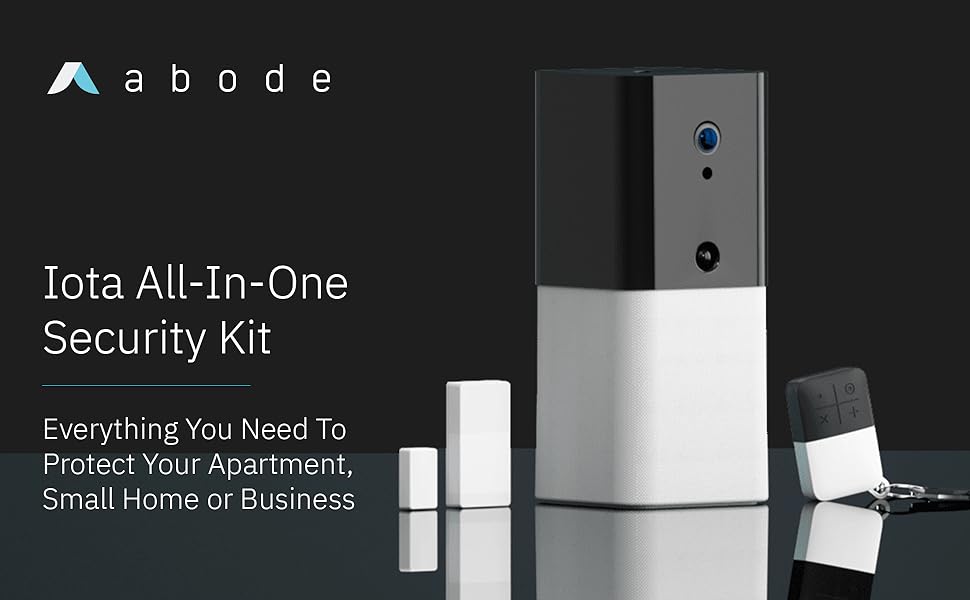
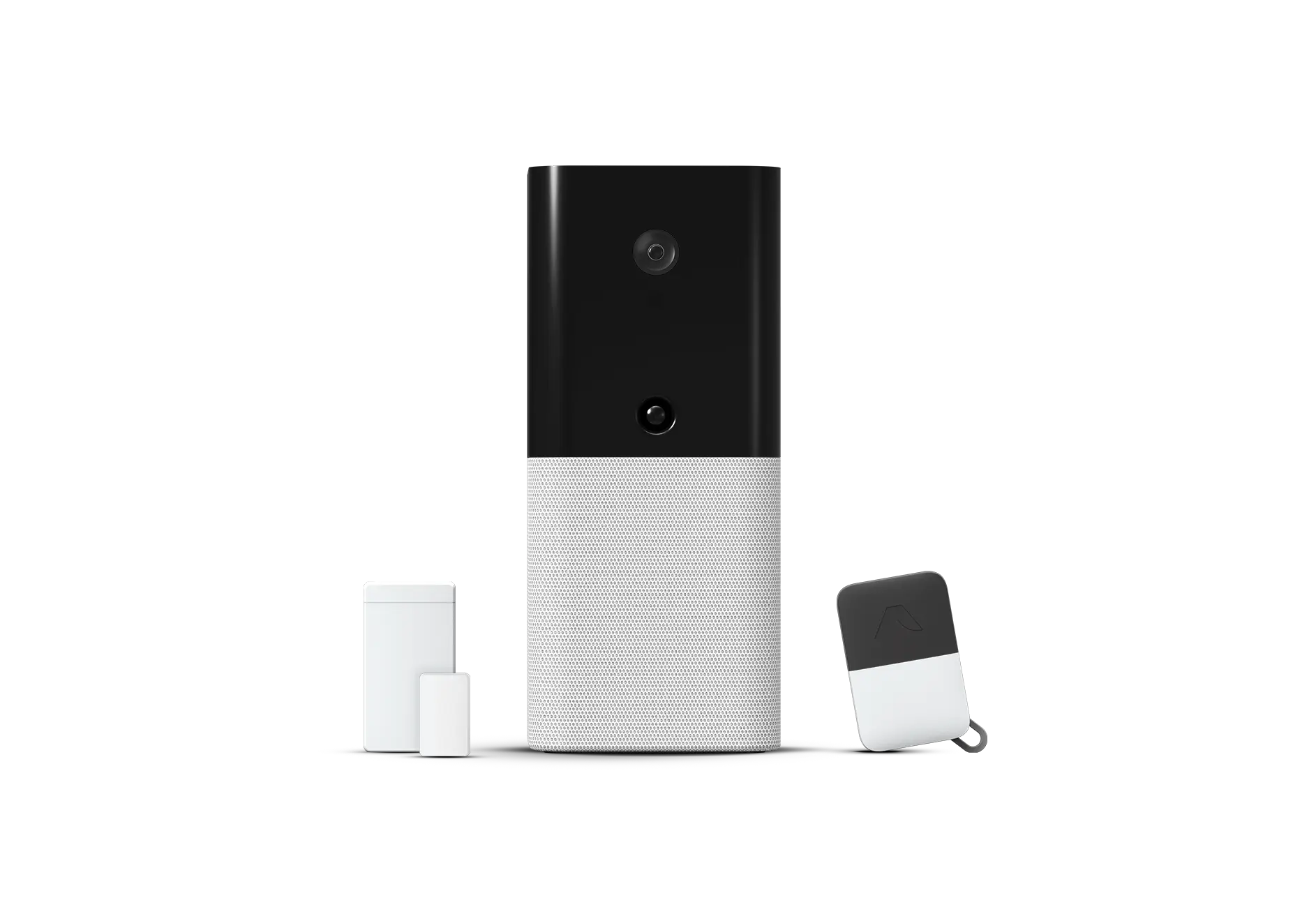
At its core is the Iota hub — a compact, matte-black unit that combines a 1080p wide-angle camera, a siren, a motion sensor, and a full security gateway into a single piece of hardware. Pair that with the included sensors and key fobs, and you have a genuinely functional system straight out of the box.
Related parts & accessories
Abode pitches the Iota at the self-monitoring enthusiast who also wants the fallback option of professional monitoring on demand. You can run the system completely free with the Abode app, subscribe to a month-to-month Standard plan for cellular backup and remote arm/disarm, or step up to the Pro plan for 24/7 live monitoring. There are no long-term contracts at any tier, which is a meaningful differentiator in a category where traditional security firms still lean heavily on multi-year commitments. For those who prefer a structured professional approach, our detailed SimpliSafe review highlights a different DIY-to-Pro path. For those considering a hybrid approach, our Vivint (VPK-2GIG-GO2) Review explores a similar balance of DIY and pro monitoring.
Where the Iota really separates itself from budget competitors is its smart home depth. Z-Wave, Zigbee, and RF support means it can talk natively to hundreds of third-party sensors, locks, and lights — and native integrations with Amazon Alexa, Google Home, Apple HomeKit, and IFTTT round out the ecosystem story. This is a security hub that can genuinely double as a smart home controller, not just a siren with a smartphone app bolted on.
How the Abode Iota Works: The Technical Architecture
To understand why the Abode Iota All-in-One Home Security Kit is a disruptor in the DIY space, one must look at its architectural approach. Unlike "dumb" security hubs that simply act as a bridge between a sensor and a cloud server, the Iota serves as a multi-protocol edge gateway. This means it processes a significant portion of its automation logic locally, reducing latency and increasing reliability. If your internet goes down, your local automations (like a door sensor triggering a light) can still function because the "brain" is inside the house, not in a distant data center.
The heart of the system is the hybrid communication array. While we often discuss the importance of redundancy in home systems, the Iota applies a similar logic to your home's security via its cellular backup—ensuring continuous operation during internet failures, much like how a professional-grade system like the Vivint VPK-2GIG-GO2 handles critical monitoring. It utilizes 2.4 GHz Wi-Fi for primary internet connectivity but includes an Ethernet port for those who prefer a hardwired, more stable connection to their router. For the "Pro" and "Standard" tiers, the inclusion of an LTE cellular radio ensures that the system remains operational even if a burglar cuts the phone line or the home internet goes offline. This redundancy is critical for any system claiming to provide "professional" grade security, as Wi-Fi jamming or router failure are common vulnerabilities in cheaper DIY kits.
The sensor communication relies on a combination of Z-Wave and Zigbee. Z-Wave is particularly prized in the security industry for its mesh networking capabilities and lower frequency, which allows signals to penetrate walls more effectively than high-frequency Wi-Fi. By supporting these standards, the Iota isn't limited to Abode's proprietary hardware; it can integrate with a vast array of smart locks, leak detectors, and light switches from various manufacturers, effectively turning your security system into the "brain" of your entire home. For those looking to build a layered security approach, we recommend comparing the Iota's capabilities with our Eufy Security Alarm (S330) review to find the right fit for your floor plan.
Key Features
The hub itself houses a 1080p wide-angle camera with night vision, eliminating the need for a separate indoor camera in your entry area.
Built-in Z-Wave, Zigbee, and RF radios let the Iota act as a full smart home hub alongside its security duties.
All monitoring plans — including professional 24/7 monitoring — are available month-to-month with no cancellation fees.
On the Standard and Pro plans, an integrated cellular radio keeps the system online if your internet or power goes down.
Works natively with Amazon Alexa, Google Home, Apple HomeKit (via bridge), and IFTTT for deep smart home automation.
Abode's onboard CUE platform lets you build complex if-then automation rules entirely within the Abode app, no third-party hub required.
Full Specifications
| Feature | Value |
|---|---|
| Hub Camera Resolution | 1080p Full HD |
| Camera Field of View | 133° wide-angle |
| Night Vision | Yes — infrared |
| Wireless Protocols | Z-Wave, Zigbee, RF (345 MHz) |
| Connectivity | Wi-Fi (2.4 GHz), Ethernet, Cellular (LTE — paid plans) |
| Built-in Siren | 93 dB |
| Built-in Motion Sensor | Yes — PIR |
| Battery Backup | Up to 4 hours (built-in rechargeable battery) |
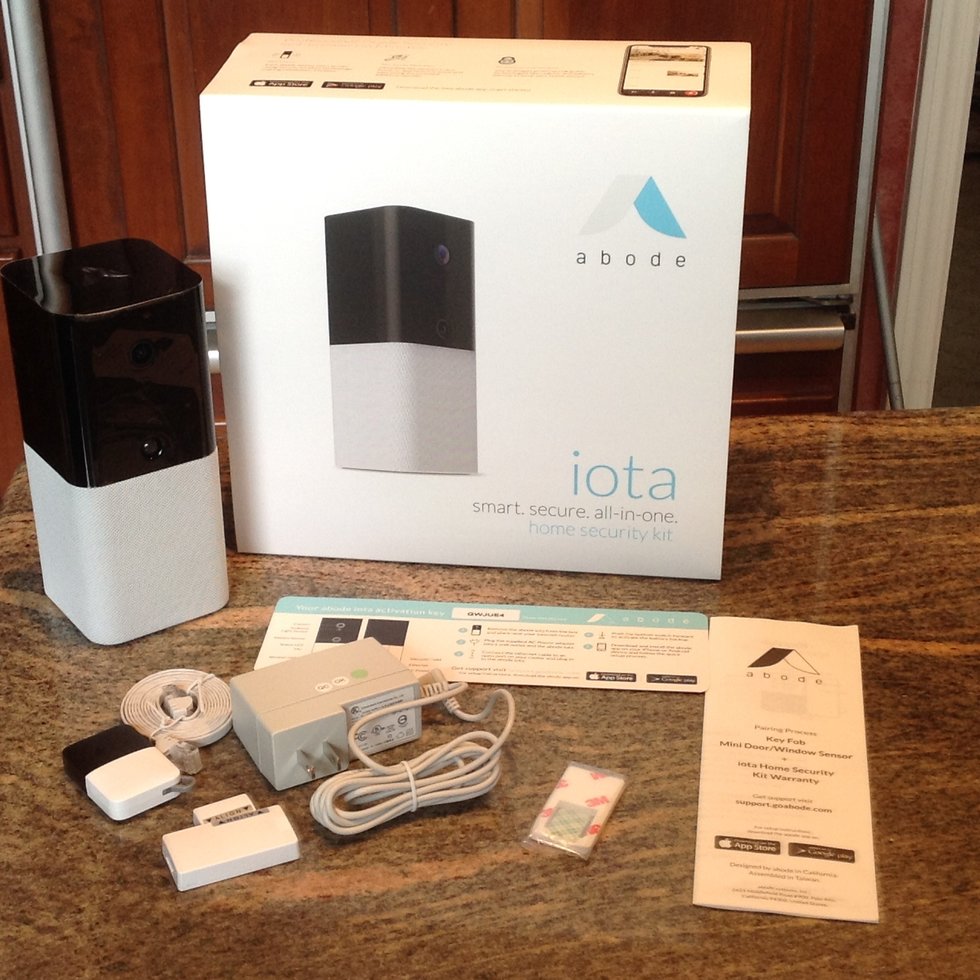
| Kit Includes | Iota hub, 1× door/window sensor, 1× key fob |
| Monitoring Plans | Free (self-monitoring), Standard (~$8/mo), Pro (~$20/mo) |
| Smart Home Integrations | Amazon Alexa, Google Home, Apple HomeKit, IFTTT |
| Max Devices Supported | 160+ sensors and devices |
| Power | AC adapter (included) + internal battery backup |
| Dimensions (Hub) | Approx. 5.9 × 3.5 × 1.5 in |
| Compatible OS | iOS 12+, Android 5.0+ |
Pros & Cons
Pros
- No long-term monitoring contract at any tier
- Camera, motion sensor, and siren built into the hub
- Excellent Z-Wave and Zigbee device compatibility
- Native Apple HomeKit, Alexa, and Google Home support
- Powerful CUE automation engine built in
- Cellular and battery backup on paid plans
- Professional monitoring available month-to-month
- Clean, intuitive mobile app
Cons
- Starter kit includes only one sensor and one fob
- Cellular backup locked behind a paid plan
- Camera footage storage requires a subscription or local SD card
- Add-on sensors are more expensive than some competitors
- No professional installation option
- App can feel complex for total beginners
Performance Analysis
Setting up the Abode Iota All-In-One Smart Security Kit took roughly 20 minutes from unboxing to fully armed — a fair result for a system of this capability. The hub connects via Wi-Fi or Ethernet, and the Abode app walks you through pairing sensors step by step. Adding third-party Z-Wave devices (we tested a Schlage encode lock and several Aeotec motion sensors) was equally painless, with the hub discovering and categorising them automatically.
The integrated 1080p camera delivers sharp, colour-accurate footage. If you need more extensive camera coverage, you might consider the Arlo Pro 4 Spotlight Camera Security Bundle as a companion system (see our Arlo Essential review for a deeper dive). In daylight conditions and holds up respectably in low-light environments thanks to its infrared night vision. The 133° field of view covers most entry hallways without distortion that makes subjects hard to identify. Motion detection from the hub's built-in PIR sensor triggered push notifications within two to three seconds in testing — fast enough to be genuinely useful for real-time awareness without becoming noise.
The 93 dB siren is loud enough to be startling at close range and audible outside a standard suburban home. During our simulated breach tests, the entry delay countdown and alarm activation behaved exactly as configured, and the app reflected status changes almost instantaneously over both Wi-Fi and cellular (on the Standard plan). Battery backup kicked in seamlessly during a simulated power cut, with no gap in sensor connectivity.
The CUE automation engine deserves a special mention. Building a rule that turns on smart lights when the system is disarmed at night, or sends a secondary notification to a family member when a specific sensor triggers, takes only a few taps. It's not quite as polished as high-end enthusiast controllers, but for a security-first hub it's remarkably capable. We found that the latency between a Z-Wave trigger and a resulting action was virtually non-existent, which is a testament to the Iota's local processing power.
Installation and Setup Guide
Installing the Abode Iota All-in-One Home Security Kit is designed to be a tool-free experience, but there are several nuances to ensure optimal performance. First, the hub should be placed on a flat surface, ideally near an electrical outlet and within range of your Wi-Fi router. If you have a wired connection available, we strongly recommend using the Ethernet port to minimize latency in camera streaming and notification delivery, especially if you plan to use the camera as a primary entry monitor.
Once powered on, the app-based onboarding process begins. You will be prompted to create an account and connect the hub to your network. After the hub is online, the process of adding the included door/window sensor is straightforward: you simply trigger the sensor (by opening the door) while the app is in "pairing mode." The magnetic contact sensors are adhesive-backed, meaning they can be applied to wood, metal, or plastic frames without drilling. For those in rental properties, this is a massive advantage, as it leaves no permanent damage and allows for easy removal when moving.
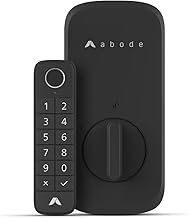
The Key Fob setup is equally simple. It serves as a physical override for the system, allowing you to arm or disarm without needing to unlock your smartphone. We recommend assigning a specific fob to each adult member of the household for better tracking of who is coming and going. For advanced users, the setup phase is also when you should integrate your other smart home platforms, such as the Abode Lock & Keypad. Whether it's linking to Apple HomeKit for "Siri, arm the house" commands or connecting to Amazon Alexa, the process is handled via the "Integrations" menu in the Abode app.
Maintenance and Long-Term Care
Like any electronic security system, the Abode Iota All-in-One Home Security Kit requires periodic maintenance to ensure reliability. The most critical aspect of maintenance is battery management. While the hub has a rechargeable internal battery for power outages, the peripheral sensors (door/window contacts and key fobs) run on coin-cell batteries. These typically last 1-2 years depending on usage, but the Abode app will send low-battery notifications when it's time to replace them. We recommend keeping a small stock of CR2032 batteries on hand to avoid a sensor going offline at an inopportune moment.
Hardware cleanliness is another overlooked factor. Because the Iota's camera lens is exposed, dust and fingerprints can accumulate, leading to a "foggy" image or blurred night vision. We recommend wiping the lens with a microfiber cloth once a month. Similarly, the PIR motion sensor on the hub can be obstructed by cobwebs or dust, which might trigger false positives or reduce sensitivity. A quick blast of compressed air can keep the sensor clear and functioning at peak efficiency.
From a software perspective, keeping the hub's firmware updated is essential. Abode pushes updates automatically, but it is wise to occasionally check the "System Info" section of the app to ensure you are on the latest version. Firmware updates often include critical security patches and improved compatibility with new Z-Wave or Zigbee devices, making them vital for the longevity of the system. If you experience a sudden drop in sensor connectivity, a quick check for a pending update often resolves the issue. For those comparing different sensor reliability, our SimpliSafe 12-Piece Kit guide provides a useful benchmark.
Detailed Buyer's Guide: Who is the Abode Iota For?
Choosing a security system often comes down to a trade-off between convenience and control. The Abode Iota All-in-One Home Security Kit is positioned specifically for the "flexible user." Here is a detailed breakdown of the personas this system serves best:
The Urban Renter
For those living in apartments or condos, the Iota is nearly perfect. Because it consolidates a camera, motion sensor, and hub into one plug-in device, it minimizes the "hardware footprint." There are no wires to run through walls and no bolts to drill into the landlord's frames. The ability to take the system with you to a new apartment is a significant cost-saver over the long term compared to professionally installed systems that often charge "relocation fees."
For renters, the Abode Iota All-in-One Home Security Kit is the most practical choice for non-permanent installations.
The Smart Home Enthusiast
If you already own Z-Wave switches, Zigbee bulbs, or a smart lock, the Iota is one of the few security hubs that doesn't force you into a proprietary ecosystem. Instead of having five different hubs for five different brands, the Iota acts as a unifying layer. The CUE automation engine allows you to create "scenes